Tesla App 4.63 Adds Google Maps, Preps Battery Warm-Up
Tesla’s latest app update switches iOS maps and prepares manual battery warming, with more changes to charging access, vehicle keys and owner referrals.
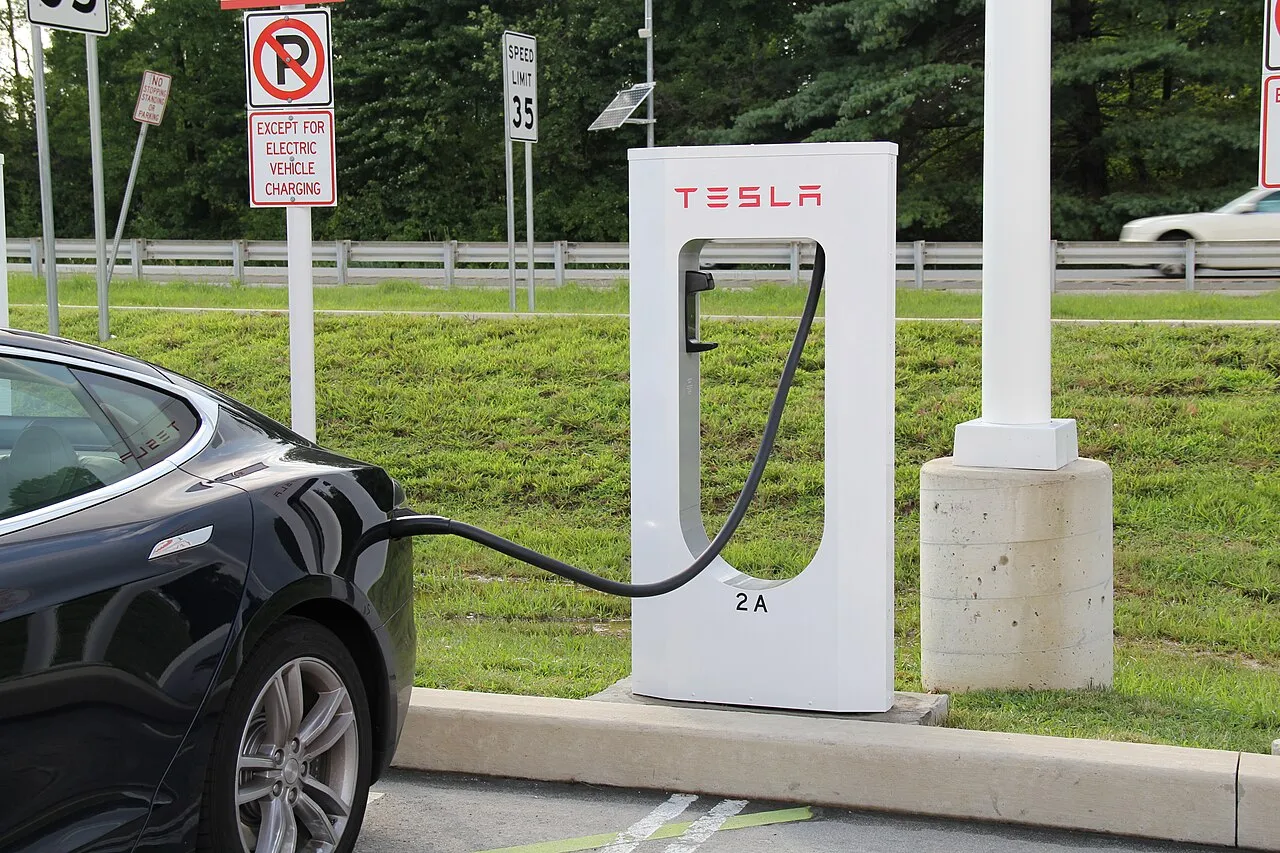
The short answer: Tesla app version 4.63 switches iOS users in several regions to Google Maps and adds vehicle-key management changes, according to Not a Tesla App. It also lays groundwork for manual battery preconditioning, but that charging feature is not yet live.
Tesla’s app version 4.63 brings Google Maps to iOS users in several regions and prepares a manual battery-preconditioning control that could give drivers more flexibility before fast charging, according to Not a Tesla App. The update also changes vehicle-key management and introduces or develops features covering charging access, referrals and larger screens.
The distinction for owners is availability: some changes are already usable, while others appear in app code or text ahead of release. Manual battery warming falls into the second group. Its potential benefit is giving drivers a way to prepare the battery when navigation-triggered preconditioning does not leave enough warming time before a charging stop.
Manual battery warming is in development
According to Not a Tesla App, Tesla is laying the groundwork for owners to start battery preconditioning from the app. The control is not live yet. Preconditioning warms the battery to support faster DC charging, extending an existing process that the vehicle can initiate automatically when navigating to a charging location.
The app text quoted by the outlet says a Tesla automatically preconditions when navigating to Tesla Superchargers or other known fast chargers. It also describes a manual option intended to maximize charging performance, with instructions to begin one hour before charging. Once the battery reaches its optimal temperature, that temperature would be maintained for 30 minutes.
That timing guidance helps explain the proposed feature’s purpose. As Not a Tesla App notes, navigating to a nearby Supercharger may not give the battery enough time to warm up. A third-party charging stop can also create a reason to start the process manually. The new control would let an owner initiate warming before those circumstances limit preparation time.
The report does not establish a release date for the manual control. For now, the hour-ahead instruction describes the function Tesla is preparing. Owners should distinguish that upcoming option from the automatic preconditioning behavior already described in the app.
Google Maps replaces Apple Maps in several regions
A change owners can already encounter is the switch from Apple Maps to Google Maps in the iOS app across several regions, according to Not a Tesla App. Google Maps now handles both the regular map and satellite views. Routing and destinations remain the same, the outlet reports.
The practical improvement concerns Supercharger Site Maps. Those maps have used Google Maps since their introduction, while the surrounding iOS map previously used Apple Maps. Zooming into a site therefore required a transition between the two services, which produced a short delay. Using Google Maps throughout makes that transition smoother.
This is a change to how the mobile app displays maps. The reported continuity in routing and destinations means owners can expect the same destination functions while seeing a more consistent map experience as they move from an area view into a Supercharger site.
Charging access and location voting are expanding
Tesla is also preparing to bring Supercharger-location voting into the app, according to Not a Tesla App. Users currently vote through a browser on some potential future Supercharger locations. The planned app feature would open the voting interface through an embedded web view, bringing that process into the mobile experience.
The outlet expects voting to appear under the Charging section, although that placement is not confirmed. The change would give users another way to participate in Tesla’s existing voting process. It does not establish which proposed locations will become charging stations or when any selected sites would open.
Another upcoming change concerns Wall Connector sharing. Tesla’s app already lets users share access to vehicles and Tesla Energy systems. According to the report, Tesla is developing a way to share an individual Wall Connector with up to five users, giving them charging access without sharing the entire home energy site.
The app text says invited users would be able to charge with the Wall Connector, manage its charging settings and leave the arrangement at any time. The owner would be able to view charging activity associated with each user, including charge history. Sharing the broader energy site also exposes the home’s address and controls for Powerwall and solar equipment, the outlet reports.
Tesla’s virtual charging queue is receiving smaller changes as well. Not a Tesla App reports that the system is being tested at five U.S. locations and interprets the latest adjustments as possible preparation for a wider launch. That broader rollout remains a prospect, rather than a confirmed expansion.
Owners get more control over vehicle keys
Under Security, the app now offers a vehicle-key management option, according to Not a Tesla App. The category covers devices with vehicle access even when Phone Key is not enabled, including key cards, phones, other devices and Tesla’s telemetry service used for third-party services.
An owner whose device is configured as a Phone Key can delete unused keys directly in the app without confirming the deletion with an active key card, the outlet reports. That ability applies to the vehicle owner; someone who has received shared vehicle access does not meet the same conditions.
The app also adds a Phone Key reset option under Security and Phone Key Best Practices. According to the report, the user must be near the vehicle to complete the reset. Together, these changes put additional access-management functions on the phone, with separate requirements for removing a key and resetting a phone connection.
Referrals, sign-in and payments get attention
In the United States, Tesla has replaced vehicle referrals with referrals for Full Self-Driving, according to Not a Tesla App. The report describes a $99 reward per FSD referral and a limit of 12 referrals per calendar year. How the reward is received depends on whether the referring owner subscribes to FSD or previously bought it.
Subscribers receive a free month of FSD and can choose which vehicle receives it, according to the outlet. Owners who bought FSD receive a $99 Tesla credit usable for Tesla Shop purchases, charging or service. Those reward details matter for households with multiple vehicles because the subscription benefit can be directed to a chosen vehicle.
Tesla also now lets users authorize the Tesla app to share login information with the Robotaxi app. Not a Tesla App reports that “Sign in with Tesla” enables that sharing, while “Sign in” lets users enter their Tesla account credentials manually. Separately, Tesla is planning X Money support for potential payments covering Tesla Shop purchases, Supercharging and FSD subscriptions.
Larger screens and seasonal features round out the update
The update expands support for tablets and foldable phones, according to Not a Tesla App. Major areas including Climate, Location, Self Driving, Summon and Charging take advantage of the larger display. Vehicle views gain ambient backgrounds and reflections, while controls for the trunk, front trunk, charge port and locks move onto the vehicle visualization.
Smaller visual changes include replacing image-based animated vehicle badges with video assets, which the outlet says makes them smoother and smaller. Tesla is also adding a Thanksgiving charging badge. Not a Tesla App expects it to be earned by charging in the United States on Thanksgiving, November 26, 2026, but describes that earning condition as likely.
Code references also suggest possible Santa Mode support in the app, according to the report. Alongside manual preconditioning, voting and Wall Connector sharing, it remains one of the developments to watch. The immediate changes center on maps, access controls and interface improvements; the charging preparations point toward additional owner controls still awaiting release.
Frequently asked questions
Can Tesla owners manually precondition the battery with app version 4.63?
Not yet, according to Not a Tesla App. The update contains groundwork for the feature, including text advising drivers to begin one hour before charging and describing a 30-minute temperature-maintenance period once the battery reaches its optimal temperature.
Does the Google Maps switch change Tesla app routing?
According to Not a Tesla App, routing and destinations remain the same. Google Maps replaces Apple Maps for regular and satellite views in several iOS regions and smooths the transition into Supercharger Site Maps.
Who can delete vehicle keys without an active key card?
According to Not a Tesla App, the vehicle owner can do so through the app when their device is set up as a Phone Key. The same conditions do not apply to someone using shared vehicle access.
How would Tesla’s planned Wall Connector sharing work?
According to Not a Tesla App, owners would be able to share a Wall Connector with up to five users. Those users could charge and manage charging settings, while the owner could view their charging activity, including charge history.
What does Tesla’s U.S. FSD referral program offer?
According to Not a Tesla App, FSD subscribers receive a free month that they can assign to a vehicle, while owners who bought FSD receive a $99 Tesla credit. The program is limited to 12 referrals per calendar year.
Related stories
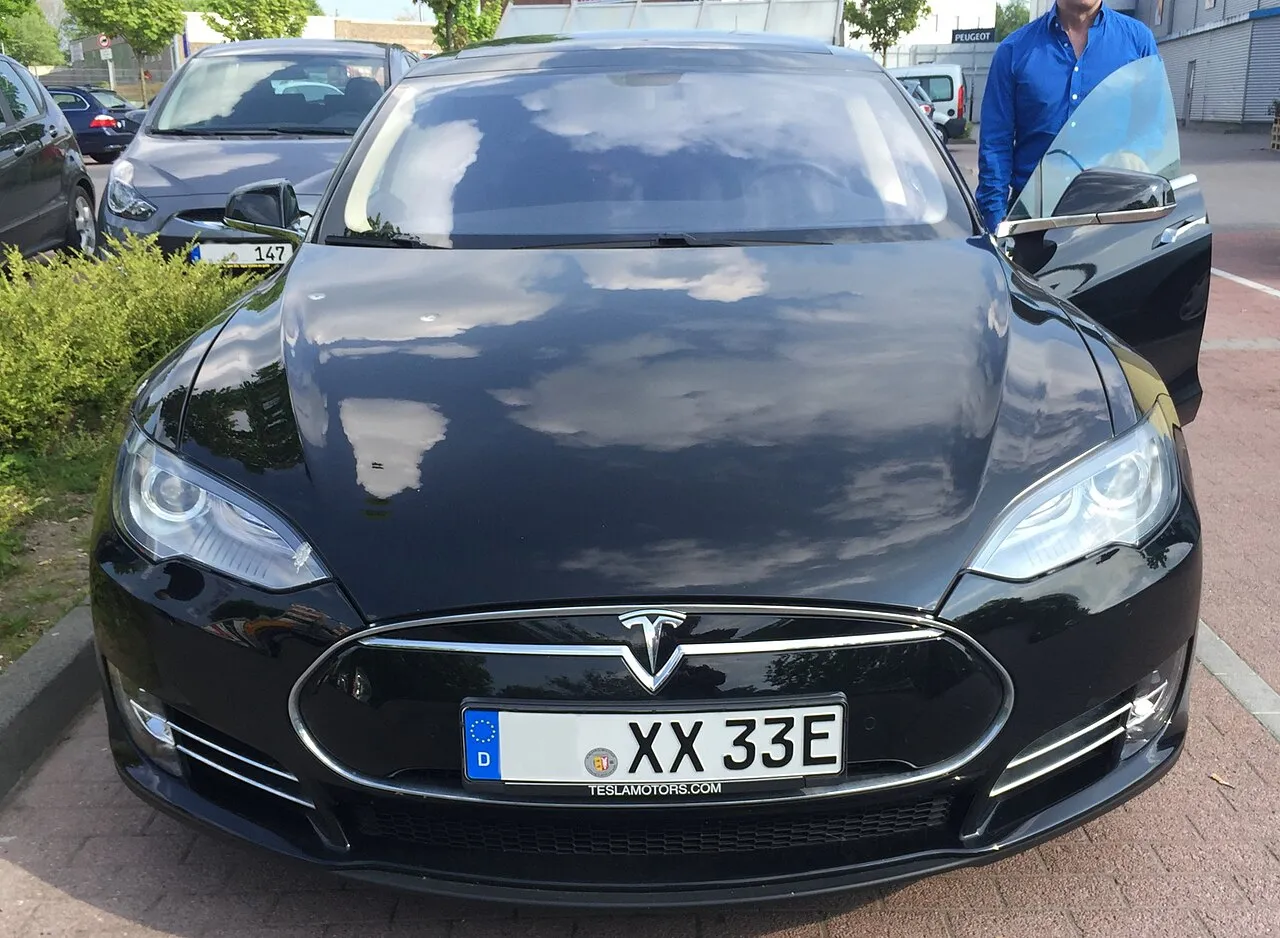
Tesla Update Adds Manual Battery Preconditioning and FSD Changes
Tesla’s 2026.44.3.1 update adds app-based battery preconditioning, parking options and driving changes, while keeping Full Self-Driving supervised.
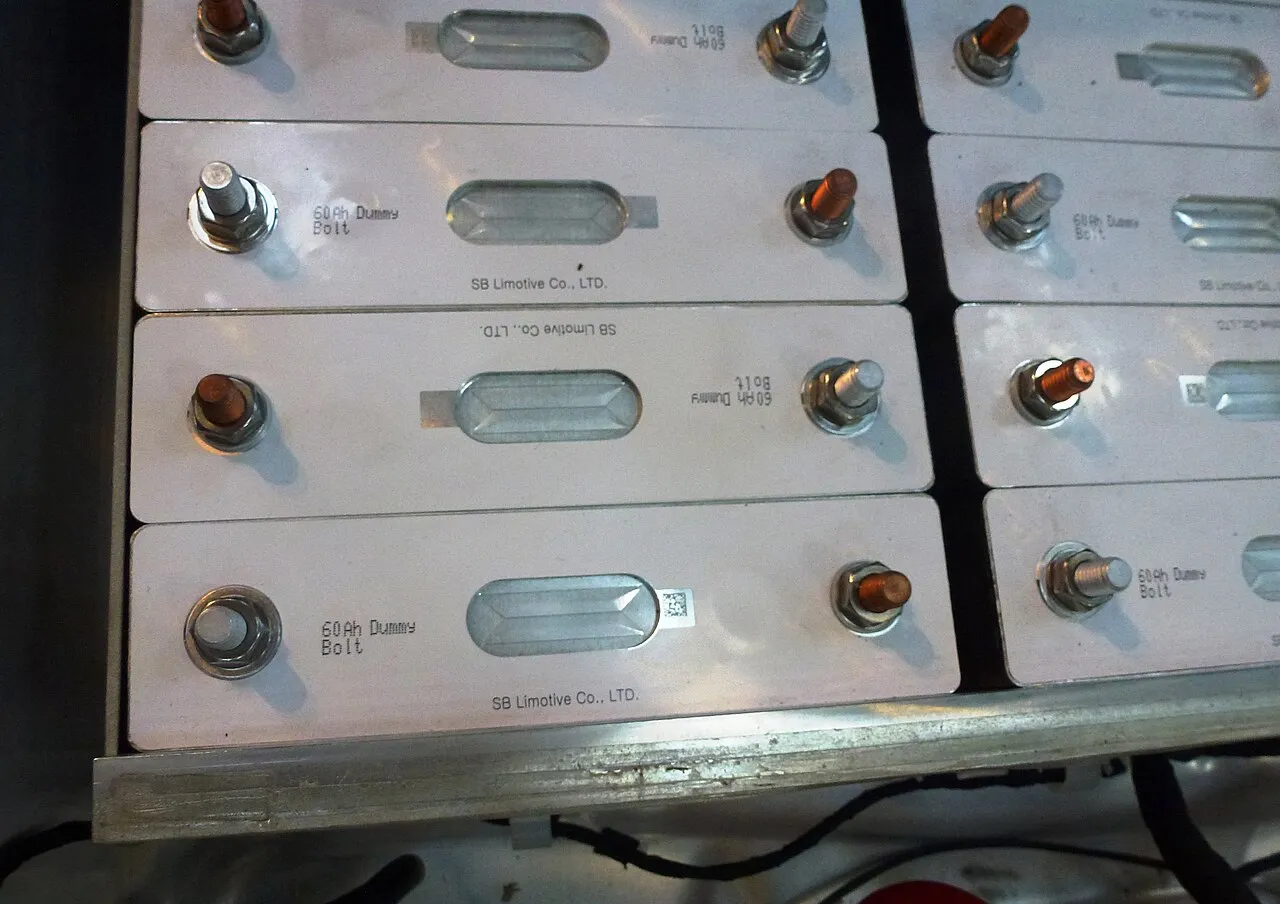
Why EV Battery Preconditioning Matters at Cold Fast Chargers
A cold battery can slow an EV fast charge. Learn what preconditioning does, how to activate it before a stop, and why charging speed can still vary.
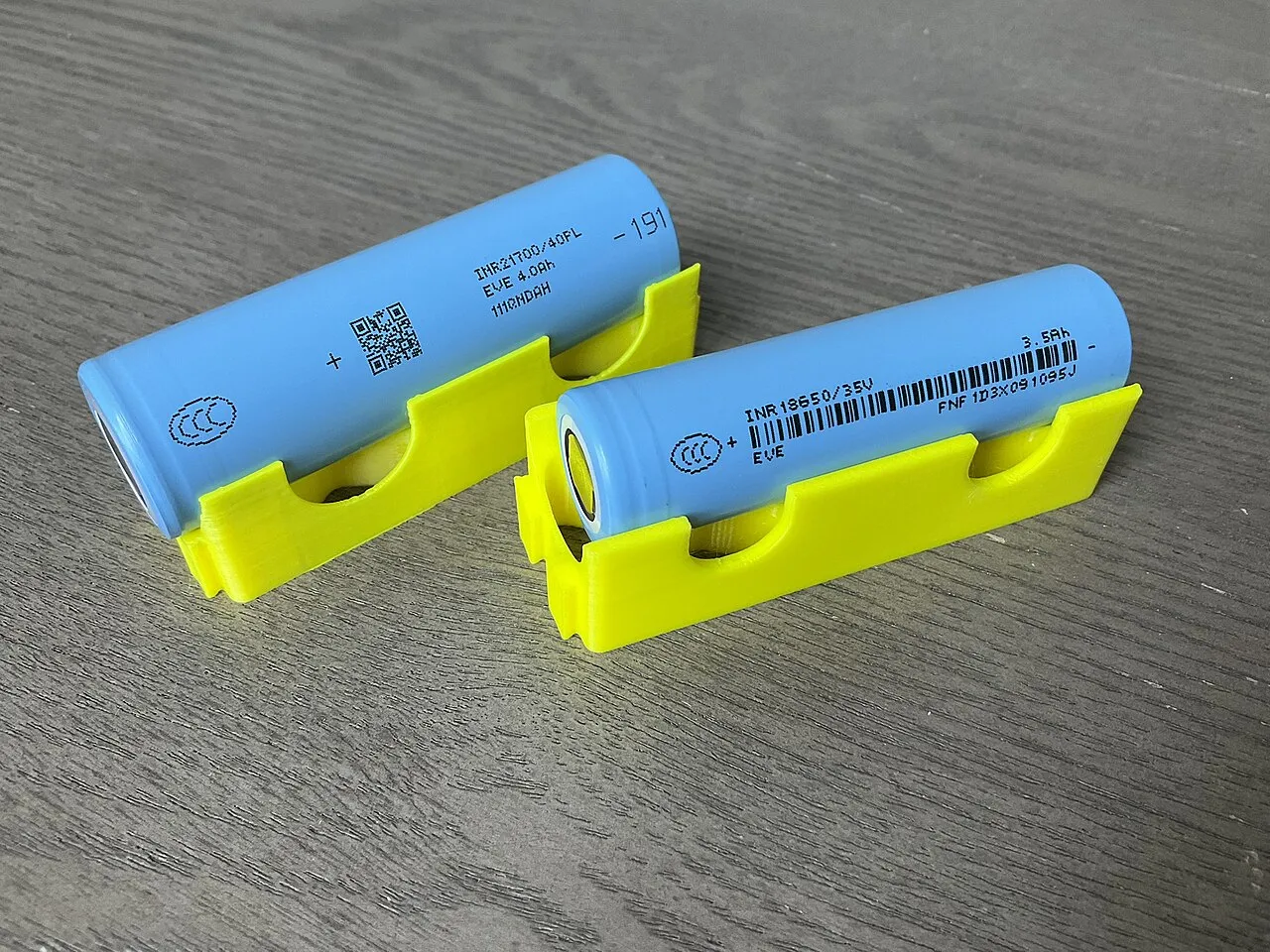
EV Battery Heating Elements and Fast Charging, Explained
Battery heating elements warm cold cells before fast charging, reducing charging risks and helping the pack accept power more efficiently.