Tesla Update Adds Manual Battery Preconditioning and FSD Changes
Tesla’s 2026.44.3.1 update adds app-based battery preconditioning, parking options and driving changes, while keeping Full Self-Driving supervised.
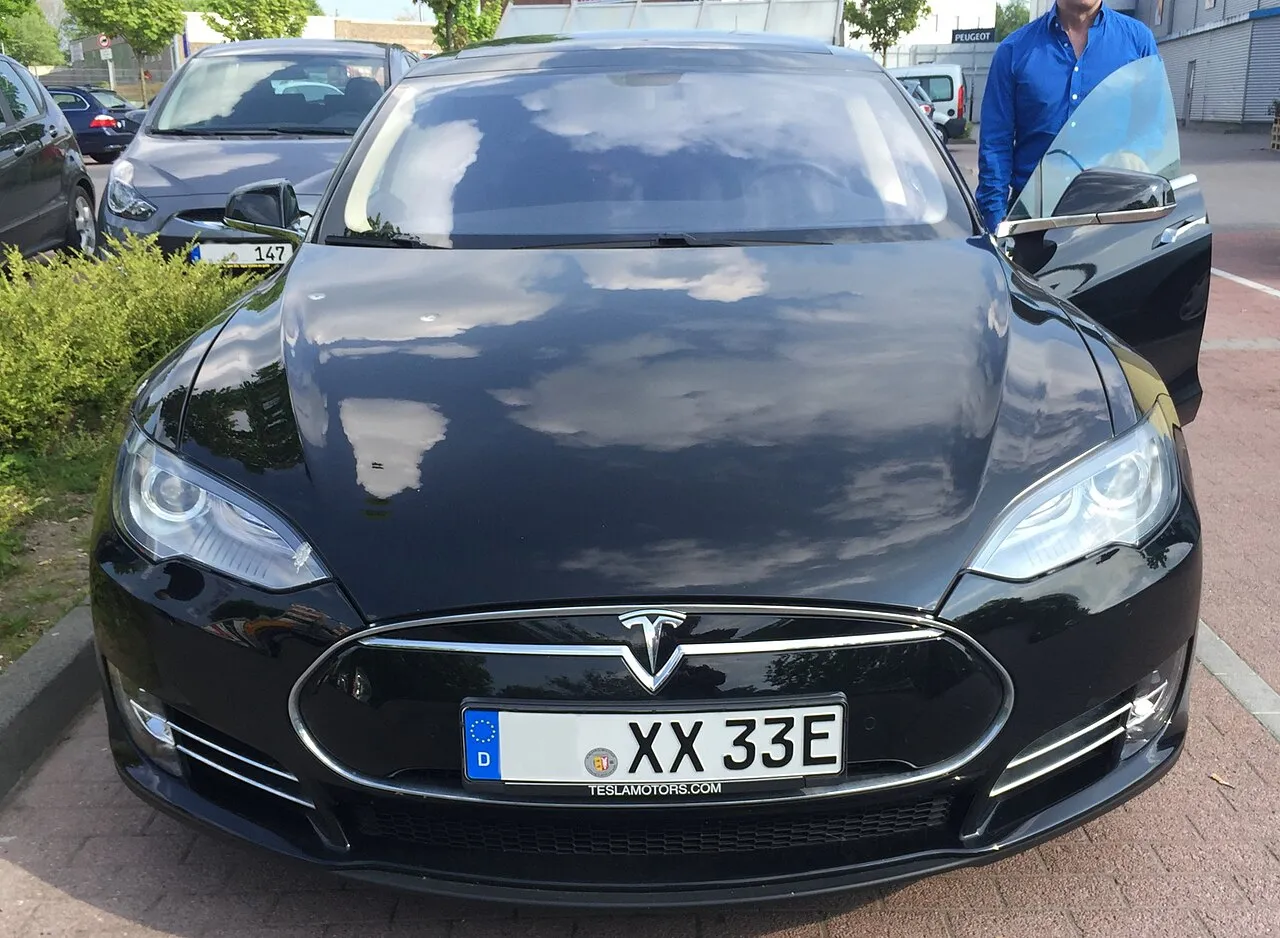
The short answer: Tesla’s 2026.44.3.1 software update adds manual battery preconditioning through the vehicle or mobile app and revises Full Self-Driving (Supervised), including new parking and arrival options. Tesla’s release notes emphasize that the driver must remain attentive and ready to take over.
Tesla’s 2026.44.3.1 software update adds a way to prepare a vehicle’s battery for fast charging before the driver reaches a charger, alongside changes to Full Self-Driving (Supervised), parking and service tools. The charging feature could give owners more control over when the battery warms for a stop, while the driving changes add new maneuvers and destination choices without making the system autonomous, according to Tesla’s release notes reported by Not a Tesla App.
The update lets drivers start battery preconditioning from the vehicle or, with Mobile App version 4.63.0, from the app under Charging and then Precondition for Fast Charging. Tesla says to begin about an hour before charging. Once the battery reaches its optimal temperature, the system maintains it for 30 minutes. That timing gives drivers a defined preparation window, though the release notes do not say how much charging time the feature saves or how conditions such as weather affect the process.
The update also changes how charger locations appear on the map. Charger pins now cluster at ordinary zoom levels, with network coverage becoming visible as the driver zooms out. This is a map presentation change rather than a new charging network or a change to the vehicle’s charging hardware, based on the release notes.
More options for supervised driving and parking
The release notes describe a broad set of changes to Full Self-Driving (Supervised), including parking, unparking and reversing capabilities. Drivers can choose an arrival option for a destination: a parking lot, the street, a driveway or a pull-over location. Tesla says those preferences, along with preferred parking positions, persist for each destination. The choices let the driver express where the car should try to stop, while the system handles the driving and parking maneuvers under supervision.
Speed Profiles are now available at all times, and Tesla says the system weighs the driver profile, speed limit and surrounding traffic when choosing a speed. A new SLOTH profile is described as using lower speeds and more conservative lane choices than CHILL. The driver profile has a stronger effect on behavior, with more assertive profiles allowing a higher maximum speed. The right scroll-wheel controls now adjust the Speed Profile instead of the precise maximum-speed offset, and settings can also be changed from the driving visualization on the center display.
Other listed FSD improvements include more responsive handling of navigation, merges, forks, pedestrians, traffic lights and vehicles cutting in. Tesla also describes fewer false slowdowns, smoother steering and more consistent lane centering in typical driving. The notes say the system has become more decisive when selecting parking spots and maneuvering, and that a parking-location prediction now appears on the map with a P icon.
Tesla says its training and software work also targets difficult or uncommon situations. The update description cites improved understanding in rare and low-visibility conditions, stronger 3D geometry and traffic-sign recognition, and changes to handling emergency vehicles, school buses, right-of-way violations and small animals. It also mentions complex traffic lights, unusual objects extending into the vehicle’s path, and recovery from temporary system degradation. These are Tesla’s descriptions of the update’s intended improvements; the release notes do not report independent performance measurements.
For vehicles with Hardware 3, Tesla says it distilled learning from Hardware 4 version 14 into the older hardware, allowing it to learn from that system as a guide. The company says this brings reinforcement learning and offline models to Hardware 3. Separately, Tesla reports rewriting the AI compiler and runtime with MLIR, claiming a 20% faster reaction time and faster model iteration. The release notes do not specify a test method for that reaction-time figure.
Driver oversight remains required
Despite the expanded driving and parking functions, Tesla explicitly says Full Self-Driving (Supervised) does not make a vehicle autonomous. The driver must remain attentive and ready to take over at any time. Tesla says the system can operate from a parked position, make lane changes, follow a navigation route through forks, move around other vehicles and objects, turn, and park, but those capabilities remain subject to driver supervision.
The notes also describe Automatic Collision Evasion, which can activate FSD (Supervised) in an attempt to keep the vehicle safe and then continue driving. Tesla says it may engage when the driver is operating manually and the system detects insufficient attention, such as reaching toward the back seat, or when FSD may have been unintentionally disengaged. The feature’s description does not remove the requirement for a driver who can supervise and take control.
Another control called Brake Confirm affects how FSD starts. When it is enabled, the driver must press and release the brake pedal before activation. When disabled, pressing the on-screen button allows the system to apply the brakes and engage, although Tesla says brake confirmation will still be required if driver-detection requirements are not met or the system does not detect a driver. The release notes also describe intervention-free distance and longest-streak displays in the Self-Driving app, and a way to select an intervention reason after taking over.
Vehicle and service changes
The release notes identify Model 3, Model Y, Model S from model year 2021 onward, Model X from model year 2021 onward and Cybertruck among the vehicles receiving the update. They also describe service-mode changes for several of those models: a Reset Power Conversion System button is added to the high-voltage battery panel, and vehicles with a PCS2 bidirectional unit will show that component label correctly. Model 3, Model Y, Model S from 2021 onward and Model X from 2021 onward also gain a frunk LED health indicator in the interior lighting panel.
The frunk indicator shows green when the light connection is detected and red when it is disconnected while the front trunk is open. Tesla says the system detects a disconnected light through an undercurrent alert, helping technicians identify a connector that was not plugged back in after work in the front area of the vehicle. The PCS reset button is intended to let technicians reset the power conversion system’s electronic control unit from Service Mode rather than locate the task in Toolbox.
Other interface updates include a redesigned Service menu that brings Request Service and Tow Mode forward and organizes functions under Health & Maintenance and Actions. The vehicle’s software menu now calls the FSD computer the SI Computer instead of the AI Computer. Service Mode adds Portuguese as a beta language option, and a new in-app feedback form replaces the previous email and QR-code process, according to the release notes.
What the update means for owners
For drivers planning a fast-charging stop, the most direct new capability is manual battery preparation, including the option to start it from the mobile app. The one-hour lead time and 30-minute temperature hold are the timing guidance Tesla publishes. Owners need Mobile App version 4.63.0 to start the process from the app, according to the release notes.
The driving changes add more choices around speed profiles and where the car should arrive, plus new parking and reversing functions. They also change the steering-wheel control for speed preferences, a detail owners may notice when adjusting settings. Tesla’s own warnings remain central to using these features: FSD (Supervised) requires an attentive driver, and authorized drivers should be the only people in the driver’s seat when the vehicle is outside Theater or Arcade modes.
Not a Tesla App reports the release notes, but they do not specify a deployment schedule, a market-by-market rollout, or which individual vehicles will receive each feature first. Tesla owners can check the vehicle’s update and app version for availability. The published changes point to a software update spanning charging preparation, driver assistance, navigation display and service diagnostics, with the actual FSD functions remaining supervised.
Frequently asked questions
How do Tesla owners start battery preconditioning for fast charging?
They can start it in the vehicle or, with Mobile App version 4.63.0, in the app under Charging > Precondition for Fast Charging. Tesla recommends starting about one hour before charging.
How long does the battery stay at its optimal temperature?
Tesla says the battery temperature is maintained for 30 minutes after it reaches the optimal temperature.
Does the update make Full Self-Driving autonomous?
No. Tesla says Full Self-Driving (Supervised) does not make the vehicle autonomous and requires the driver to remain attentive and ready to take over.
What new destination options can drivers select?
Drivers can choose a parking lot, street, driveway or pull-over location as an arrival option. Tesla says preferences persist for each destination.
Related stories

How to Build a Flexible EV Charging Routine for Work
Build charging around the miles you need for your next drive, using home, work, or public charging as your schedule allows. Keep a practical buffer.

How to Check EV Charger Plug Compatibility Before a Trip
Match your EV’s connector and charging limits to each route stop. Learn what charger labels mean, when an adapter may work, and what to confirm before you leave.

How to Estimate Electric Car Range While Towing
Estimate towing range from your vehicle’s normal range, then adjust for trailer shape, speed, weather and hills. Use the result to plan charging stops.