Smart Charging Apps and EV Sleep: What Keeps Cars Awake
Frequent requests from charging apps can keep an EV awake while parked. Learn how integrations affect sleep and how to check for unnecessary activity.

The short answer: Smart charging integrations can increase parked energy use when their requests wake the vehicle or prevent it from entering a low-power sleep state. The effect depends on whether the service requests live vehicle information, how often it communicates, and how the car handles those requests.
Smart charging integrations can keep an EV awake when repeated requests for battery status, charging progress, or other live information interrupt its transition into a low-power sleep state. Awake vehicle electronics consume energy even when the car is parked and its motor is off. A service that repeatedly contacts the car can therefore add to parked energy consumption.
This does not mean every charging app causes battery drain. Some services use previously recorded information, communicate mainly with the home charger, or allow the vehicle to sleep between necessary interactions. What matters is the communication path and the vehicle’s response, rather than the presence of an app on a phone.
What sleep means in a parked EV
A parked EV is not simply either running or completely switched off. Its electronic systems can occupy different power states. After driving or charging, some systems remain active to complete tasks. When conditions allow, the vehicle can shut down more electronics and enter a lower-power state while retaining the ability to respond to essential events.
Sleep reduces the energy used by control modules, communications equipment, and other electronics. The vehicle still needs a way to recognize an authorized wake request. A remote command, scheduled activity, or another legitimate event can bring relevant systems back online.
The low-voltage electrical system supports much of this equipment. Depending on the vehicle’s design and operating state, the high-voltage traction battery can replenish that system. Repeated electronic activity can consequently consume energy from the battery used for driving, even though the wheels never move.
How a charging service can interrupt sleep
A smart charging service may need to know the battery’s state of charge, whether the car is plugged in, and whether charging has started or stopped. That information helps it decide when to request charging and whether the desired charge level remains achievable.
One way to obtain updates is polling: the service repeatedly asks for the latest status. Those requests may pass through the automaker’s online systems before reaching the vehicle. If answering requires fresh information from onboard electronics, the request can wake the car or extend an existing period of activity.
A single interaction may be brief. The problem arises when another request arrives before the vehicle can settle back into sleep, or when requests repeatedly restart active periods. The car can spend more of its parked time powering electronics than it would without those interactions.
There is no universal polling interval that guarantees sleep. Vehicles differ in how they process remote requests, which systems they activate, and when they return to a lower-power state. Services also differ in whether they adapt their requests when a vehicle is inactive.
Checking an app does not always contact the car
A status screen can show information stored on a remote server. Reading that stored information does not necessarily require communication with the vehicle. An app can therefore display a battery percentage while the car remains asleep, although the reading may reflect an earlier update.
Requesting a fresh reading is different. A refresh control may ask the service to obtain live information, potentially triggering vehicle communication. Whether that wakes the car depends on the service and the vehicle. A recent-looking screen alone does not reveal how the information was collected.
Similarly, closing an app does not necessarily stop an integration. A connected service can continue operating through its own servers after the phone app is closed. Removing the app from a phone may also leave an account connection active. The relevant setting is often the service’s vehicle connection or authorization.
Vehicle control and charger control have different effects
Smart charging can operate through the vehicle, the charging equipment, or a combination of both. A service connected directly to the vehicle may obtain battery status and issue charging commands through the automaker’s systems. That arrangement creates a potential route for remote requests to affect vehicle sleep.
A service controlling the home charger may instead manage when electrical power is available. It can obtain information about the charging session from the charger without necessarily asking the vehicle for a fresh battery reading each time. However, charger control alone does not guarantee that the vehicle stays asleep: changes in charging availability can also prompt vehicle activity.
These arrangements have different information needs. A charger can report its own operation, but access to the vehicle’s battery percentage may require a separate connection. Understanding which device a service controls helps explain why apparently similar charging features can produce different patterns of vehicle activity.
Several integrations can create overlapping activity
An EV owner may connect a charging scheduler, an energy service, and a vehicle-monitoring app to the same account. Each service can have its own reasons to request updates. Their activity may overlap even when they appear to perform separate jobs.
The combined effect matters. Disabling frequent updates in one app may have little effect if another service continues requesting live status. A vehicle can also remain active for reasons unrelated to third-party services, so a connected app should be treated as a possible cause rather than an automatic explanation.
Overlapping charging controls can complicate the picture further. A schedule in the vehicle and another in the charger may both influence whether charging begins. Identifying which service makes the charging decision makes it easier to understand status changes and investigate unexpected behavior.
How to investigate unnecessary wake activity
Begin by reviewing which services have access to the vehicle and what each connection does. Distinguish services that read vehicle information from those that control charging equipment. Where the settings explain update behavior, look for options involving live status, background refresh, or monitoring while parked.
A useful investigation changes one connection at a time. Pause an optional integration through its account controls, then observe the vehicle under broadly comparable parking and charging conditions. Keep necessary charging arrangements in place so that a missed session does not become confused with a sleep issue.
- Check whether the service offers a mode that reduces requests while the vehicle is inactive.
- Review account connections as well as apps installed on the phone.
- Avoid repeatedly requesting live updates while observing parked behavior.
- Use vehicle or service activity records, where available, to look for recurring communication.
Battery percentage alone is an imperfect diagnostic tool. The display rounds its reading, and temperature or other vehicle activity can affect the apparent change. A quieter period after pausing a service is useful evidence, but it does not establish an exact amount of energy attributable to that connection.
Keep the useful charging function in view
The aim is to give the service enough information to manage charging while allowing the vehicle to rest when fresh information is unnecessary. Depending on the available controls, that may mean reducing background updates, removing an unused connection, or choosing a charging arrangement that needs fewer direct vehicle interactions.
After changing an integration, verify that charging still starts as intended and reaches the desired level before departure. A connection that appears to duplicate another service may still perform an essential scheduling function. Removing access without checking that role can disrupt the charging routine.
Some parked energy use is normal, and vehicle sleep is only one influence on it. Smart charging remains useful when its communication behavior suits the vehicle. The practical concern is repeated, unnecessary activity: requests that keep electronics running without improving the charging decision.
Frequently asked questions
Do all smart charging apps keep an EV awake?
No. Some use stored information or communicate mainly with the charger. Sleep disruption depends on whether requests reach the vehicle and how the vehicle responds.
Does closing the phone app stop vehicle polling?
Not necessarily. A connected service can continue requesting information through its servers. Pausing or disconnecting the vehicle integration may require changing account settings.
Can checking the battery percentage wake the car?
It can if the check requests fresh information from the vehicle. Viewing a previously recorded reading does not necessarily contact or wake the car.
How can I check whether an integration affects parked energy use?
Pause one optional integration at a time and observe the vehicle under broadly comparable conditions, while preserving necessary charging functions. Avoid repeated live refreshes, and treat battery percentage changes as an imperfect indicator.
Related stories

How AI Could Address Three Persistent EV Concerns
Machine learning can make range estimates more personal, help charging networks anticipate demand and flag early signs of battery degradation, according to EV Powered.
How to Choose a Home EV Charger Without Overpaying
Home EV charger costs depend on installation, your electrical supply and the car’s AC limit. Match power and features to daily use before paying more.
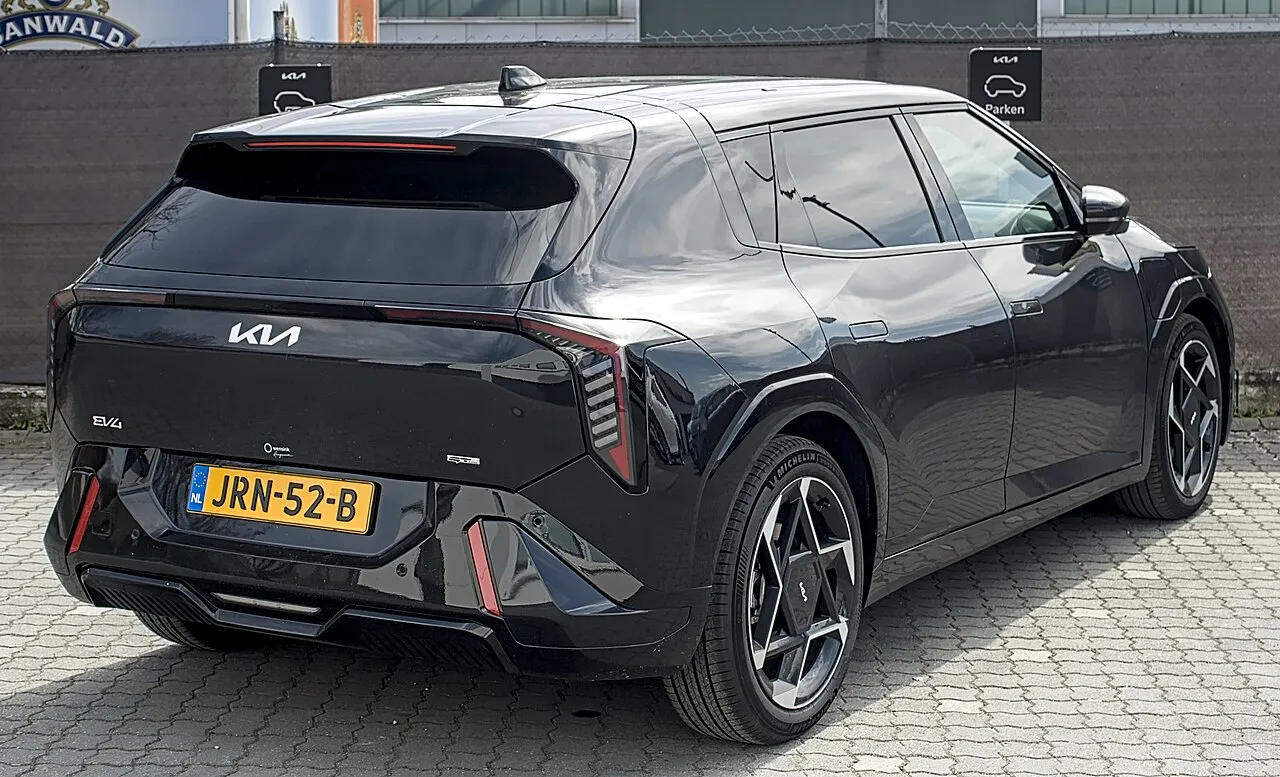
Hyundai and Kia Plan App-Based Smart Charging With WeaveGrid
Hyundai and Kia are working with WeaveGrid on app-based smart charging in the U.S. Vehicle-to-grid service is planned later, subject to utility programs.