Tesla FSD v15 Removes the Disengagement Feedback Menu
Tesla FSD v15 no longer asks drivers to classify each takeover. The change removes a feedback prompt that had appeared after interventions since April.
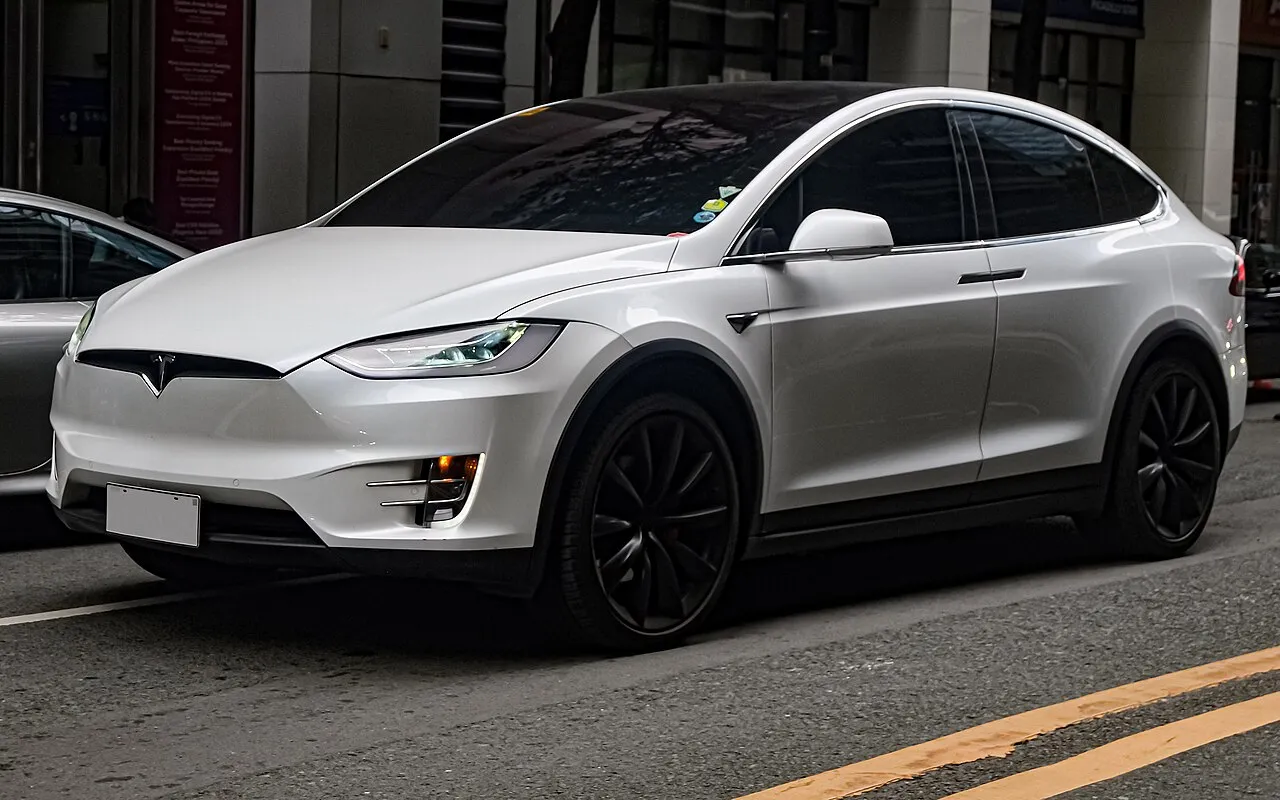
The short answer: Tesla FSD v15 removes the on-screen menu that asked drivers to choose a reason whenever they took over from FSD (Supervised). Drivers can still report issues using voice notes, according to Not a Tesla App.
Tesla’s FSD v15 removes the menu that asked drivers to categorize each takeover from FSD (Supervised), ending a prompt that appeared whenever a driver intervened. According to Not a Tesla App, drivers can now take control and continue driving without dismissing a dialog. The change matters to people using the assisted-driving system because it eliminates an extra screen interaction during a takeover, while also removing the immediate category selection Tesla had used to collect feedback.
The outlet says the menu’s removal is not mentioned in Tesla’s official release notes. Not a Tesla App reports that the change is present in software update 2026.38.6.11, and that nothing appears on screen after a driver disengages FSD. The report does not identify a reason from Tesla for dropping the prompt.
What changed for drivers
Before v15, drivers who took over from FSD had to select a reason from four categories: Navigation, Parking, Critical, or Other. According to Not a Tesla App, the menu was intended to collect feedback close to the moment of an intervention. The driver could not simply close it without choosing an option; the prompt remained on screen until a selection was made.
That requirement added a task after a driver had already decided to take control. The outlet describes takeovers to avoid a pothole or to choose a different route as examples of situations in which the prompt could appear. With v15, Not a Tesla App says, there is no prompt or dialog to dismiss, so the driver can take over and continue driving.
The change removes a reporting step rather than the ability to send feedback altogether. Not a Tesla App says voice notes remain available to drivers who want to report an issue. The report does not describe how those notes are processed or whether they replace the information previously gathered through the menu.
How the menu evolved
Tesla introduced the disengagement menu with FSD v14.3.2 in April, according to Not a Tesla App. It asked drivers to select a reason for taking over, using the four categories shown in the menu. The outlet says the prompt initially had no close button, so a driver had to make a selection before it went away.
Tesla later changed the way the menu appeared. Not a Tesla App reports that, a couple of weeks after launch, the company made it smaller and less intrusive. It no longer covered the navigation route, and drivers could continue using climate, music, and other controls while it was open. Updates also changed the available options, the outlet says, though it does not specify how each category changed.
Some owners found a way to dismiss the menu by double-tapping the steering wheel’s microphone button, according to the report. That action recorded an empty voice note and closed the prompt. In June, Tesla changed voice memo behavior so drivers had to wait at least three seconds before ending a memo. Not a Tesla App says that change made choosing a category quicker than using the workaround.
In v15, the menu itself is gone. The report does not say whether Tesla will bring back the category prompt or introduce another way to collect the same type of feedback. For drivers, the immediate difference is that a takeover no longer triggers a required on-screen choice.
Other changes reported in FSD v15
The menu’s removal is one part of a broader set of changes Not a Tesla App associates with FSD v15. The outlet identifies Reality View as the headline feature: a realistic, AI-generated 3D view of the vehicle’s surroundings. It also reports additions called Speed Camera Slowdown, Bike Rack Mode, and Calm Mode, along with improved parking spot selection.
Not a Tesla App says Calm Mode is intended to reduce distractions on the screen. Its report does not give further details on how that mode changes the interface. It also does not describe the specific operation of Bike Rack Mode or explain which parking situations are affected by the reported improvement in spot selection.
Tesla claims a 25-fold improvement in handling safety-critical situations, according to Not a Tesla App. That is a company claim reported by the outlet; the source does not provide a test method, comparison baseline, or independent result to establish what the figure means in practice. It should therefore be read as Tesla’s stated improvement, not as an independently measured outcome.
The outlet says Reality View has drawn attention and describes it as a view of the car’s surroundings generated by AI. The report does not provide a range of conditions in which the display works, or establish that the rendering shows every relevant detail. Drivers using FSD still need to judge when to take control; the removal of the feedback menu changes the post-takeover interface, not the reported responsibilities or capabilities of the system.
Availability and what comes next
FSD v15 is currently limited to a small number of newer vehicles, according to Not a Tesla App. The outlet does not name the eligible models or state how many vehicles have access. That limited rollout means the menu change is not yet described as available to all Tesla owners using FSD.
Not a Tesla App reports that Elon Musk said FSD v15 would reach more owners with the Holiday Update the following month. The report does not give a complete rollout schedule or specify which vehicles will receive the software. Owners outside the initial group will need to wait for the update to expand before the change applies to their cars.
Tesla has not said why it removed the menu, according to the outlet. Not a Tesla App suggests the company may have collected enough data after months of feedback, but presents that as a possibility rather than a confirmed explanation. With voice notes still available, the report says, drivers who want to send an issue can continue to do so without making a category selection after every takeover.
The practical effect is straightforward: FSD v15 removes a compulsory prompt from the moment a driver resumes control. The broader implications for Tesla’s feedback collection are not yet clear from the report. For now, the source describes the menu as gone, voice notes as still available, and access to v15 as limited, with a wider rollout expected alongside the Holiday Update.
Frequently asked questions
What does FSD v15 change after a driver takes over?
It removes the menu that asked drivers to select Navigation, Parking, Critical, or Other after disengaging FSD (Supervised).
Can drivers still report an issue?
Yes. Not a Tesla App says voice notes remain available for drivers who want to report an issue.
Why did Tesla remove the menu?
Tesla has not said why. Not a Tesla App suggests the company may have gathered enough feedback, but that is not a confirmed explanation.
Who can use FSD v15 now?
The software is limited to a small number of newer vehicles, according to Not a Tesla App. Elon Musk said it would reach more owners with the Holiday Update the following month.
Related stories
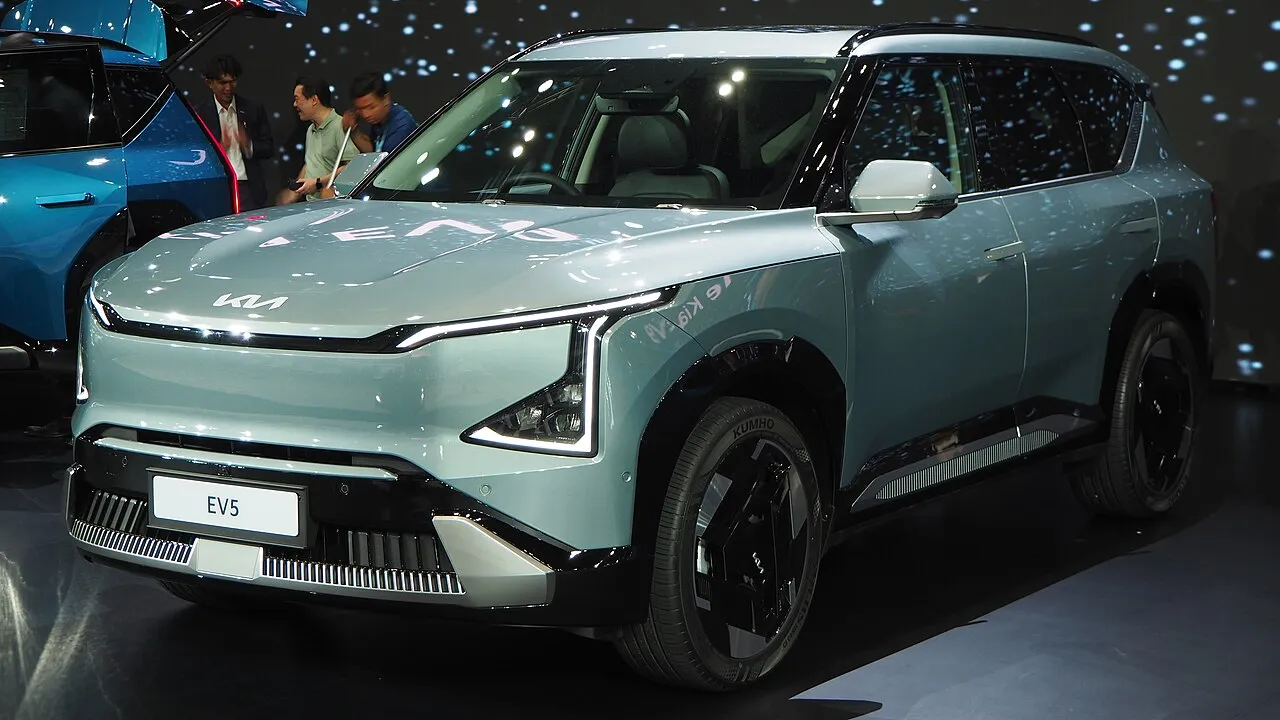
Kia Confirms Rio-Sized Electric Hatchback for 2027
Kia says its first mass-market software-defined vehicle will be a B-segment electric hatchback due by the end of 2027, with a European launch expected in 2028.
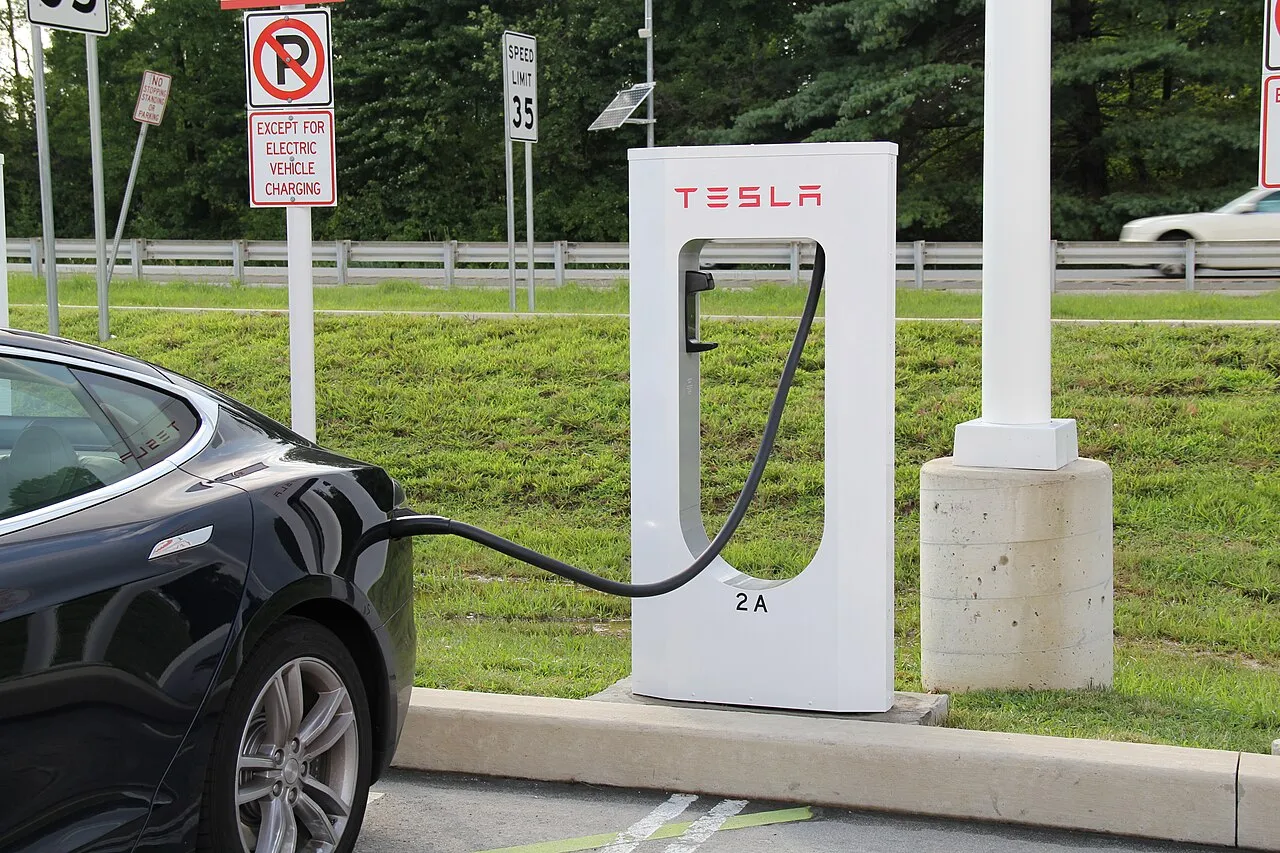
Tesla FSD v15 Reaches Older Model Ys Without Bumper Cameras
Tesla is extending FSD v15 to pre-refresh Model Ys without front bumper cameras, with early reports praising smoother driving but flagging visual lag.
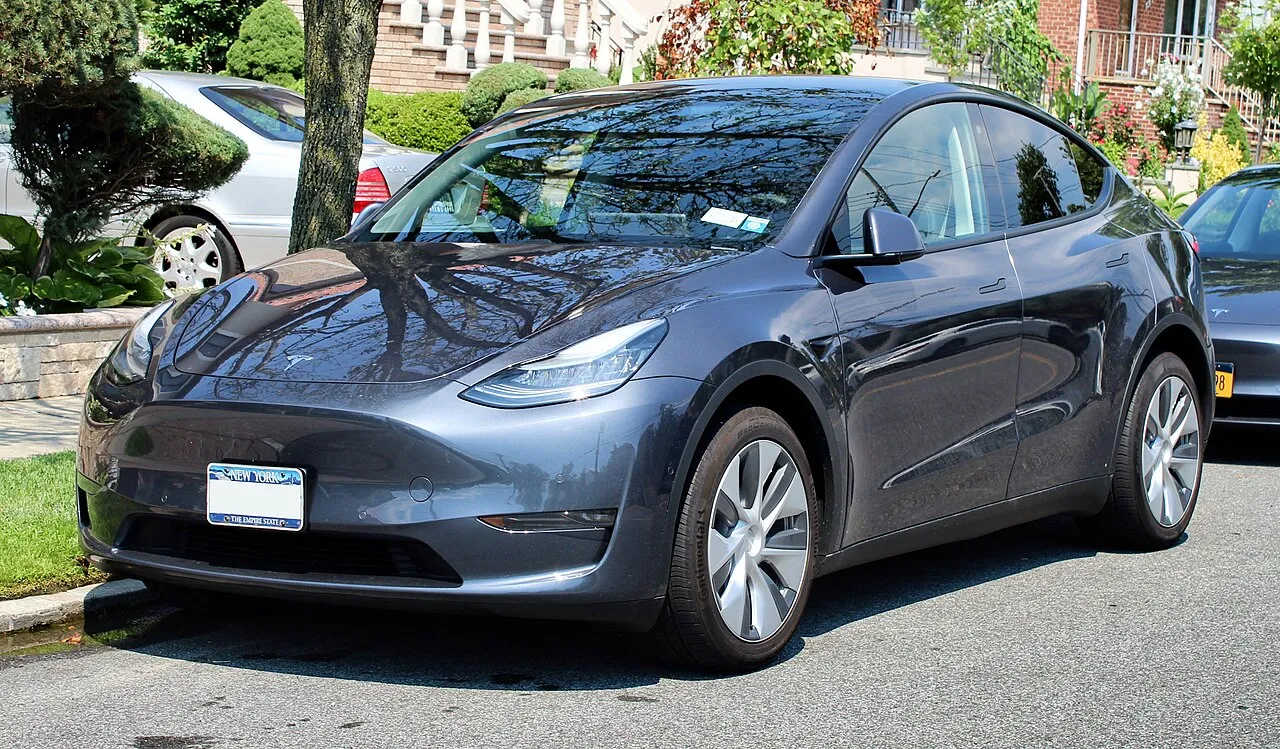
Tesla Model Y Owner Credits Braking With Avoiding Trooper
A Model Y owner says her Tesla braked as a state trooper entered her lane. The video does not establish whether FSD or standard emergency braking acted.