Tesla App Update Lets Owners Remove Vehicle Keys by Phone
Tesla app version 4.62.5 lets owners remove vehicle keys without confirming with a key card. The update also changes referrals and improves larger-screen layouts.
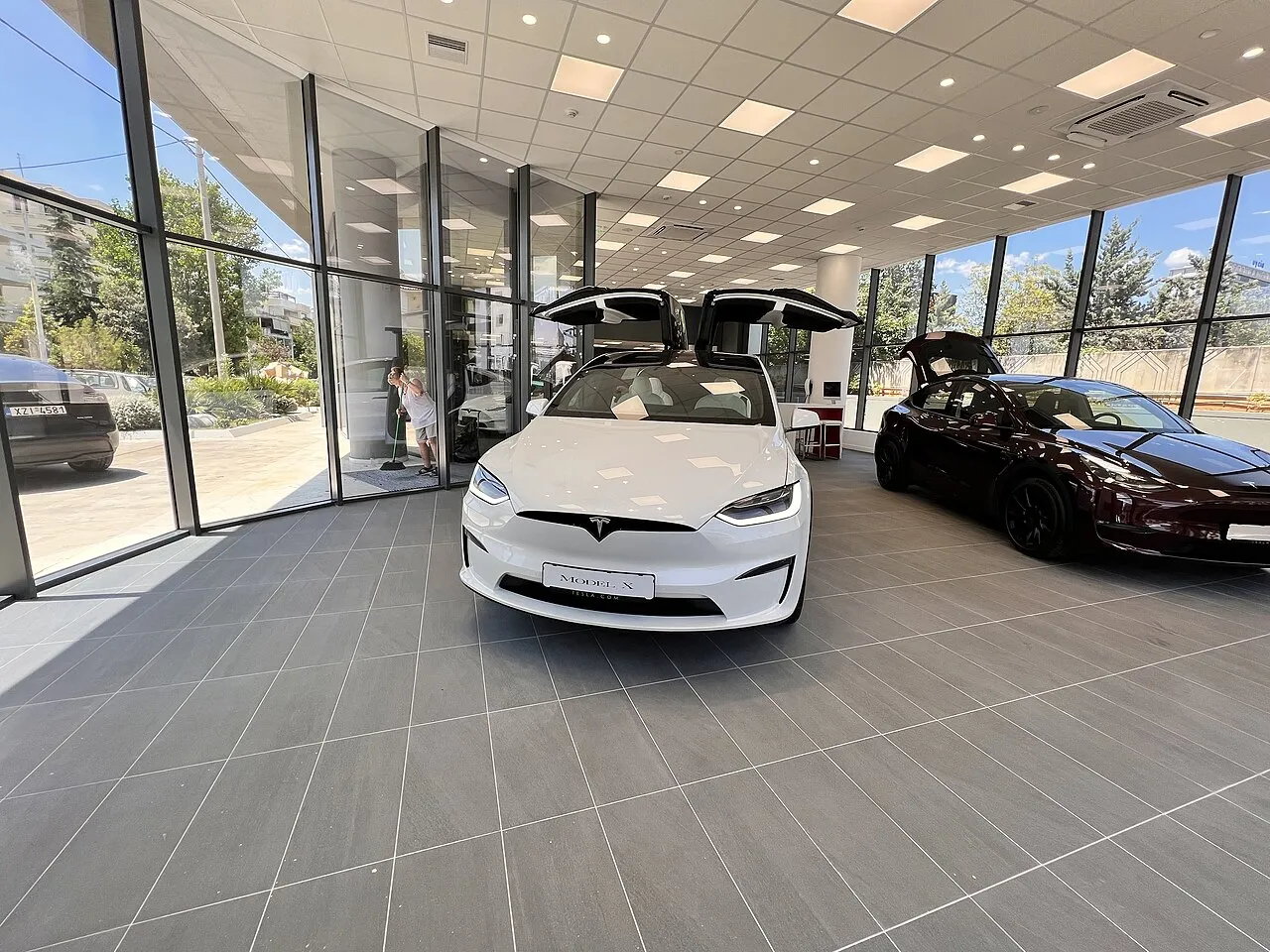
The short answer: According to Not a Tesla App, Tesla app version 4.62.5 lets vehicle owners who have set up Phone Key delete unused vehicle keys without confirming the deletion with an active key card. The update also brings changes to referrals, phone key troubleshooting and larger-screen layouts.
Tesla app version 4.62.5 gives owners a simpler way to remove devices that can access their vehicles. According to Not a Tesla App, an owner who has set up Phone Key can delete an unused vehicle key in the app without confirming the deletion with an active key card. That matters when access needs to be cleaned up after a phone, card or other device is no longer in use: the owner can handle the change from the app without first finding a card to approve it.
The release also changes Tesla’s U.S. referral program, adds a way to reset a troublesome phone key and makes the app better suited to tablets and foldable phones, according to Not a Tesla App. The report describes other additions that are still being prepared, including X Money payments and more focused sharing of a Wall Connector. Those planned features have a different status from the key removal and layout changes described in the update.
How vehicle key removal works
Not a Tesla App says Tesla has added a vehicle key management option under Security. A vehicle key is any device with access to the car, even when Phone Key is not enabled on that device. The report names key cards, phones, other devices and Tesla’s telemetry service for third-party services as examples. The new control therefore covers more than the phones an owner uses for day-to-day entry.
The distinction matters for anyone checking who or what can still access a Tesla. A phone that is no longer used as a daily key may remain among the vehicle’s keys, and a key card is a separate form of access. According to Not a Tesla App, owners can now delete keys directly from the app without using an active key card to confirm the deletion, provided they have set up their own device as a Phone Key.
The permission applies to the vehicle owner, according to the report. Someone who has been given access through vehicle sharing does not meet that condition. That limit keeps the new deletion option tied to the owner’s account, even though other people may have permission to use the vehicle. The report does not describe a broader change to the permissions of people who share a Tesla.
There is a related troubleshooting addition under Security and Phone Key Best Practices. Not a Tesla App says users can reset a phone key there if it is giving them trouble, but they must be near the vehicle to perform the reset. Removing an unused key and resetting a key that is still in use address different situations: one clears access that is no longer wanted, while the other offers a way to deal with a phone key that is not working as expected.
Referral rewards shift toward FSD
In the United States, Tesla has replaced its vehicle referral program with FSD referrals, according to Not a Tesla App. The outlet reports that owners can earn $99 per FSD referral and that the program, like the earlier vehicle referral offer, is limited to 12 referrals per calendar year. The former program gave owners a $250 credit for Tesla services or products, the report says. The new offer changes both what is being referred and the reward described for it.
The reward depends on how an owner uses FSD. According to Not a Tesla App, an owner who subscribes to FSD automatically receives a free month of FSD from a qualifying referral and can choose which vehicle receives it. An owner who purchased FSD instead receives a $99 Tesla credit usable at the Tesla Shop, for charging or for service. Those are distinct outcomes, so the reported $99 figure should not be read as a cash payment to every referrer.
Not a Tesla App also found language in the update about selecting a vehicle for a Full Self-Driving (Supervised) trial and choosing where a referral reward applies when someone subscribes through a link. The language points to how Tesla may present the referral process in the app. The report does not establish that every screen or reward selection described in the app’s code is already available to every user. For U.S. owners considering a referral, the practical details are the reported annual limit and the different rewards for subscribers and purchasers.
A wider layout for tablets and foldables
The app update adds support for tablets and foldable phones, including the iPad, according to Not a Tesla App. On most larger screens, the app now uses the full width of the display. Vehicle images gain an ambient background and reflections, and controls for the frunk, trunk, charge port and locks move onto the vehicle image instead of appearing in Quick Actions. The Show PSI control also moves below the image from its former place in Controls.
Those changes affect where users look for familiar controls, as well as how much of a larger display the app uses. Not a Tesla App says major panels including Climate, Location, Self Driving, Summon and Charging benefit from the wider layout, although some panels have yet to make full use of the additional space. An owner opening the app on a tablet should therefore expect a different arrangement for several vehicle actions, while the degree of layout change varies by panel.
Payments, charging access and the virtual queue
Several other items in the report concern features still being developed. Not a Tesla App says Tesla plans to add X Money as a payment method in the app for Tesla Shop purchases, Supercharging and FSD subscriptions. The report describes this as a planned addition, rather than a payment option owners can already select. It gives no date for when X Money support will become available.
Wall Connector sharing also appears to be expanding. Tesla users can already share vehicles and Tesla Energy access with other users, according to Not a Tesla App. The outlet says the update points to a more specific option that would let an owner share a Wall Connector with as many as five users. Those users could charge and manage charging settings, and could leave the shared arrangement. The owner would be able to view charging activity associated with each user, including charge history.
That proposed option would allow access to a Wall Connector without sharing the entire Tesla Energy site, which the report says includes a home’s address and controls for Powerwall and solar equipment. It is a narrower way to grant charging access, with a corresponding view of who used the charger. Not a Tesla App presents it as an upcoming feature, so the reported capacity of five users describes the option Tesla appears to be preparing.
The release also contains small changes to Tesla’s virtual queue feature, according to Not a Tesla App. The outlet says Tesla is testing the queue at five locations in the United States and describes the changes as signs of further work ahead of a wider launch. It does not identify a launch date. For drivers, the concrete status reported here is a limited test, while the app changes indicate Tesla is continuing to work on the feature.
Seasonal changes in the app
Not a Tesla App reports two Halloween-related additions. With Halloween Mode enabled, a user can speak through the vehicle’s external speaker using a spooky voice. The mode also plays sounds and shows animations as visitors approach, according to the outlet. In the app’s Dashcam Viewer, clips recorded while Trick or Treat Mode was active are labeled accordingly, alongside the existing Sentry labeling. A Spooky tab lets users filter for those Trick or Treat clips.
These seasonal controls are smaller changes than vehicle key management, but they show the range of functions bundled into this app release: access, account rewards, screen layout, charging and recorded video. For owners, the most immediate change is the ability to review and remove unused keys under the stated owner and Phone Key conditions. The next developments to watch are the wider availability of the virtual queue and the arrival of the planned payment and Wall Connector sharing options; Not a Tesla App reports no dates for those launches.
Frequently asked questions
Can a Tesla owner remove a vehicle key without a key card?
Yes. According to Not a Tesla App, a vehicle owner who has set up Phone Key can delete an unused key in the app without confirming with an active key card.
Can someone with shared vehicle access delete keys?
Not under the new condition described by Not a Tesla App. The option requires the vehicle owner’s account and a device set up as Phone Key.
What changed in Tesla’s U.S. referral program?
According to Not a Tesla App, FSD referrals replaced vehicle referrals. The report describes a limit of 12 per calendar year, with a free month of FSD for subscribers or a $99 Tesla credit for owners who purchased FSD.
Is Wall Connector sharing available in this update?
Not a Tesla App describes sharing a Wall Connector with up to five users as an upcoming feature. It reports no launch date.
Related stories
Tesla App 4.63 Adds Google Maps, Preps Battery Warm-Up
Tesla’s latest app update switches iOS maps and prepares manual battery warming, with more changes to charging access, vehicle keys and owner referrals.
Tesla App Code Points to Manual Battery Preconditioning
Tesla app code reveals a manual battery warmup feature for DC fast charging, with guidance to start an hour ahead. Supported vehicles remain unconfirmed.
How Electric Cars Control Heat in Batteries, Motors, and Cabins
EV thermal systems move heat between the battery, motors, power electronics, and cabin to protect performance and help the vehicle use energy efficiently.