Rolling Shutter Distortion in Driver Assistance Cameras
Rolling shutter captures sensor rows at different times, which can skew moving objects and complicate distance and motion estimates for driver assistance.

The short answer: Rolling shutter can distort driver assistance images because different sensor rows capture the scene at different times. When an object or the camera moves during that interval, its recorded shape and position can shift, complicating measurements of geometry, distance, and motion.
Rolling shutter can make moving objects appear tilted, stretched, compressed, or bent because a camera captures different sensor rows at different times. For driver assistance, the concern extends beyond an unusual-looking image: a distorted frame can complicate calculations that use an object's shape, position, or movement to interpret the road.
The effect depends on relative motion between the camera and the scene during the sensor's scan. A stationary roadside object can therefore appear distorted when the vehicle carrying the camera moves. Understanding the distinction between exposure time and the time needed to scan a frame explains why a sharp image can still contain misleading geometry.
Why a camera frame is not always a single instant
An image is commonly treated as a snapshot, with every part representing the same moment. In a rolling shutter camera, however, rows of light-sensitive pixels begin and end their exposures in sequence. Each row records a slightly different interval, so the finished frame combines observations made across a span of time.
Consider a sensor scanning from top to bottom while an object moves sideways across the image. The upper part of the object is recorded earlier, when it occupies one position. Lower rows record it later, after it has moved. Put those rows together, and an upright edge can appear tilted. The direction of the tilt depends on the scan direction and the object's motion.
The camera has not observed the entire tilted shape at one instant. It has assembled different moments into one image. That distinction matters whenever software interprets the relationship between pixels as a relationship between points in the physical world.
Exposure time and scan time do different jobs
Exposure time describes how long a row gathers light. A longer exposure allows movement during that interval to blur an edge. A shorter exposure can preserve a clearer edge, but it does not necessarily make different rows capture the scene simultaneously.
The scan interval describes the timing difference across the frame. Even if each row has a short exposure, the object can change position between the exposure of an early row and a later one. The result can be a sharply defined but skewed object. Motion blur and rolling shutter distortion can also occur together.
This is why reducing exposure time alone does not eliminate rolling shutter geometry errors. It addresses movement within each row's exposure. Reducing the timing differences between rows addresses movement across the frame's scan.
How motion changes the recorded shape
Sideways movement provides the clearest example of skew: different portions of an object appear at different horizontal positions. Motion along the scan direction can instead stretch or compress its apparent dimensions. Rotation can create more complicated changes because different parts of the scene move through the image in different directions.
The relevant movement is movement in the camera's view, rather than road speed alone. Image motion depends on the object's distance, its direction of travel, and the camera's own movement. Nearby objects can shift across the image more rapidly than distant objects during the same camera translation.
A turning or vibrating camera can distort stationary scenery as well. During rotation, the viewing direction changes while the sensor is scanning. Vibration can change that direction repeatedly, producing waviness rather than a simple lean. Consequently, a distorted roadside pole does not establish that the pole itself was moving.
Why driver assistance measurements can be affected
Visual measurements connect image coordinates to an interpretation of the surrounding scene. A system might use an object's outline, road markings, or the movement of recognizable features between frames. Rolling shutter introduces a timing difference into those coordinates: points in separate rows may represent different camera positions or different stages of an object's movement.
For example, a straight road marking may no longer follow the exact image path expected from a single camera pose. Software fitting a line or curve to that marking must contend with the difference. Similarly, a vehicle's apparent outline can change while the frame is being captured, affecting the geometry available for estimating its position or orientation.
Those effects do not mean every distorted frame produces an incorrect driving decision. An image can retain enough useful information for an object to be recognized while making precise measurements more difficult. Recognizing a vehicle and estimating its exact spatial relationship to the camera are related tasks with different demands.
Distance and motion estimates need consistent timing
Some visual distance estimates depend on geometry within an image. Others use changes across successive images or corresponding features seen by separate cameras. In each case, timing influences whether the observations describe compatible views of the scene.
With two cameras, corresponding points can be recorded at different moments if their exposure timing or scan patterns differ. A moving object may then change position between those observations. That movement can complicate the geometric relationship used to estimate distance. Coordinating frame starts helps, but row timing also matters when assessing whether corresponding points were captured together.
Across successive frames, apparent feature movement can reflect both real scene motion and the way each frame was scanned. A camera turn, for instance, occurs throughout the capture interval rather than at one frozen camera orientation. A motion calculation that assumes a single instant for every pixel can attribute some of that timing effect to the wrong cause.
What compensation can and cannot resolve
A rolling shutter model can account for the time associated with each row. If camera motion during the scan is known or can be estimated, software can use that information when interpreting image features. Measurements from motion sensors can help describe how the camera's orientation changes during capture.
Compensation becomes more complicated when objects move independently. Correcting for the vehicle's own motion does not automatically correct a crossing vehicle or another moving road user. Different parts of the scene can require different motion estimates, and depth affects how camera translation changes their apparent positions.
Correction also cannot recover every observation that a simultaneous exposure might have captured. Objects can reveal or conceal parts of the scene as they move. Repositioning recorded pixels cannot reconstruct an unseen surface with certainty. Accurate timing and motion models can reduce errors, but they do not make the original capture simultaneous.
How sensor design changes the problem
A faster rolling shutter scan reduces the time over which motion can alter the frame's geometry. Frame rate alone, however, does not fully describe that interval. The spacing between successive frames and the time taken to scan an individual frame are distinct characteristics.
A global shutter exposes the image's pixels over the same interval, avoiding the row-by-row timing difference responsible for rolling shutter distortion. It can still record motion blur if the scene moves during exposure. Simultaneous exposure addresses geometric skew from sequential capture; it does not freeze all motion regardless of exposure length.
For driver assistance, image quality therefore includes timing as well as sharpness and resolution. A clear edge is useful, but its location must also be interpreted in relation to when it was captured. Rolling shutter matters because a frame can look like one moment while containing several, and reliable visual measurements must account for that difference.
Frequently asked questions
Can rolling shutter distort stationary objects?
Yes. Movement or rotation of the camera during the sensor scan can distort stationary scenery because different rows record it from different camera positions or orientations.
Is rolling shutter distortion the same as motion blur?
No. Motion blur results from movement during an exposure, while rolling shutter distortion results from timing differences between rows. A short exposure can produce sharp edges while the object's overall shape remains skewed.
Does a higher frame rate eliminate rolling shutter distortion?
Frame rate alone does not establish how quickly an individual frame is scanned. A shorter scan interval reduces the opportunity for motion to distort geometry, but frame spacing and scan duration are distinct characteristics.
Can software correct rolling shutter images?
Software can account for row timing and estimated camera motion to reduce geometric errors. Independently moving objects, uncertain depth, and surfaces hidden during capture limit what correction can resolve.
Does a global shutter eliminate motion blur?
No. A global shutter avoids the timing differences between rows by exposing pixels over the same interval, but movement during that exposure can still cause blur.
Related stories

Kia Confirms Rio-Sized Electric Hatchback for 2027
Kia says its first mass-market software-defined vehicle will be a B-segment electric hatchback due by the end of 2027, with a European launch expected in 2028.

Tesla FSD v15 Reaches Older Model Ys Without Bumper Cameras
Tesla is extending FSD v15 to pre-refresh Model Ys without front bumper cameras, with early reports praising smoother driving but flagging visual lag.
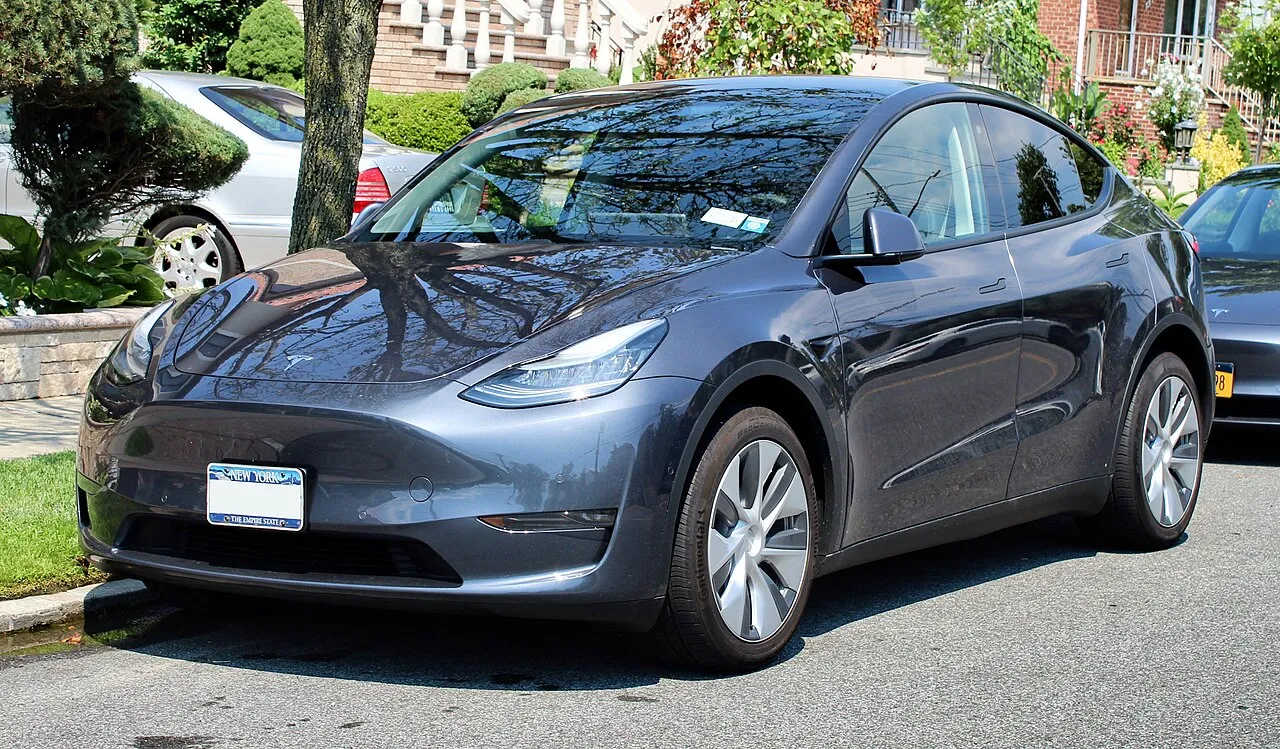
Tesla Model Y Owner Credits Braking With Avoiding Trooper
A Model Y owner says her Tesla braked as a state trooper entered her lane. The video does not establish whether FSD or standard emergency braking acted.