Driver Assistance Limits by Road, Weather, and Visibility
Driver assistance has defined operating conditions. Learn how road type, markings, weather, visibility, and traffic affect when a feature can help.

The short answer: Driver assistance is intended to work under the conditions specified for each feature, such as particular roads, speeds, markings, and visibility. A feature may become unavailable or perform less effectively when those conditions change, so the driver must stay ready to take control.
Driver assistance works within the operating conditions defined for each feature. A system that helps hold a lane may need markings it can detect; one that controls speed may have limits tied to road type, traffic, or visibility. The fact that a feature can be switched on does not mean it can handle every situation ahead. Drivers need to know where each feature is intended to operate, watch what it is doing, and be ready to steer or brake when conditions change.
What are operating conditions?
An operating condition is a circumstance a feature depends on to do its job. It might concern the kind of road, whether lane boundaries are visible, how fast the vehicle is traveling, or whether cameras and other sensors have a clear view. The set of conditions differs by feature and vehicle. Even two functions that work together can have different limits: speed control may remain available when lane centering is unavailable, or the reverse may occur.
These limits describe where a feature is intended to help, not a promise that it will recognize every hazard within that area. A marked highway can still have an unusual work zone or a stopped vehicle. Conditions can also change during a trip. A system that was operating on a clear stretch of road may face faded markings, rain, or an unfamiliar lane layout a few miles later. The driver’s task is to follow the current road and the vehicle’s status, rather than assuming an earlier stretch predicts the next one.
Road type changes what the system must interpret
Roads differ in the decisions they demand. A controlled access highway generally has a more consistent traffic pattern than a street with intersections, driveways, crosswalks, and vehicles entering from several directions. Some assistance features are intended for particular road types; others may work on a broader range of roads but still have limits on what they can detect or respond to. The owner’s manual and the vehicle’s on-screen instructions are the places to check a feature’s intended use.
Road geometry matters as much as a road’s name. Sharp curves, crests, narrow lanes, and ramps can make a path harder to follow. At an exit, the feature may have to distinguish the through lane from a lane that splits away. Near a merge, nearby vehicles may change position quickly. A driver should be prepared to steer through these areas even if assistance operated smoothly on the approach. An active status indicator confirms a feature is engaged; it does not establish that every maneuver ahead is within its abilities.
Lane markings and road edges provide guidance
Lane keeping and lane centering rely on an understanding of the vehicle’s position on the road. Painted lines can help establish that position, but their appearance varies. Markings may be faded, covered, interrupted, or confused with old lines left after roadwork. Snow, standing water, glare, and shadows can make a line harder to distinguish. A feature may reduce assistance or become unavailable when it cannot establish a usable path.
Construction zones are a particular reason to look beyond the lines immediately beside the car. Temporary markings, cones, barriers, and lane shifts can create a route that differs from the usual painted layout. The driver needs to follow the actual path and any traffic direction at the site. If the vehicle appears to favor an old lane line or approaches a boundary incorrectly, the driver should take over promptly rather than wait for an alert.
Clear markings alone do not settle every question. A system may identify lane boundaries yet have limited understanding of a vehicle stopped partly in the lane, debris, or a person directing traffic. Maintaining position between two lines is a narrower task than interpreting the entire scene. That distinction is useful whenever a feature’s steering appears confident: a steady steering input does not show that it has recognized everything ahead.
Weather and visibility can narrow the usable area
Rain, snow, fog, and spray can obscure markings and other road users. Low sun, glare, and darkness can also change what a camera can see. Dirt, ice, or condensation on a sensor’s viewing area may interfere even when the road itself looks clear to the driver. Different sensing systems respond differently to these conditions, so a driver should follow the vehicle’s specific warnings and instructions.
Weather also changes the vehicle’s ability to follow a commanded path or slow down. Wet, icy, or loose surfaces reduce the grip available for steering and braking. A feature that can identify a lane or a vehicle ahead still depends on the tires and road surface to carry out its response. Drivers need to adjust their own speed and following distance for the conditions; an assistance setting should not be treated as a judgment that the road is safe at that speed.
Visibility can deteriorate gradually, which makes a single moment of successful operation a poor test. Light rain can become heavy spray behind a truck, and clear pavement can give way to snow covered markings. If a warning appears, assistance drops out, or the vehicle’s behavior no longer matches the road, the driver should take control. Waiting for a feature to disengage on its own can leave too little time to respond.
Traffic and unusual situations need close attention
Assistance features address different parts of driving. Adaptive cruise control may help regulate speed relative to traffic ahead, while a lane feature may help with steering. Their roles should not be mistaken for complete judgment about intersections, crossings, merges, or the intentions of other road users. A vehicle cutting in, a sudden slowdown, or traffic directed around an obstruction can call for the driver to brake or steer even while a feature is active.
Stationary and unusual objects deserve particular care because they may not behave like the traffic a driver has been following. A stopped vehicle, a barrier in a shifted lane, or debris can require a response that differs from simply maintaining speed or lane position. The relevant question is what the individual feature is designed to detect and do. Its ability to react to a moving vehicle ahead does not, by itself, establish how it will respond to every stationary obstacle.
Read the feature’s status, then watch the road
Before using a feature, identify its operating conditions in the owner’s manual and learn how the vehicle shows that it is available, active, or asking for intervention. Those states have different meanings. An available feature may still need the driver to engage it. An active feature may continue to require supervision. A request to take over calls for an immediate response, regardless of how well the system performed earlier in the trip.
Some vehicles may allow certain assistance functions only when additional conditions are met. Those conditions are specific to the vehicle and feature; a label such as “hands free” should not be read as permission to stop watching the road. If the road becomes difficult to read, traffic behaves unexpectedly, or assistance steers or slows in a way that does not fit the situation, the driver should intervene. Understanding the intended operating conditions makes assistance more useful because it clarifies when to rely on the feature’s limited help and when to drive without it.
Frequently asked questions
Does an active driver assistance indicator mean the road ahead is safe for the feature?
No. It shows the feature is engaged, but road layout, visibility, and traffic can change. The driver must monitor its behavior and be ready to intervene.
Why can lane assistance stop working when the road is still visible?
The feature may need lane boundaries it can reliably identify. Faded markings, temporary lines, snow, water, shadows, or glare can make its path uncertain.
Can adaptive cruise control handle every stopped object ahead?
Its response depends on the particular feature and situation. The ability to follow moving traffic does not establish how it will respond to every stationary obstacle.
Where can a driver find a feature’s intended operating conditions?
Check the vehicle’s owner’s manual and on-screen instructions for road, speed, visibility, and other conditions, along with the meanings of its status indicators and warnings.
Related stories
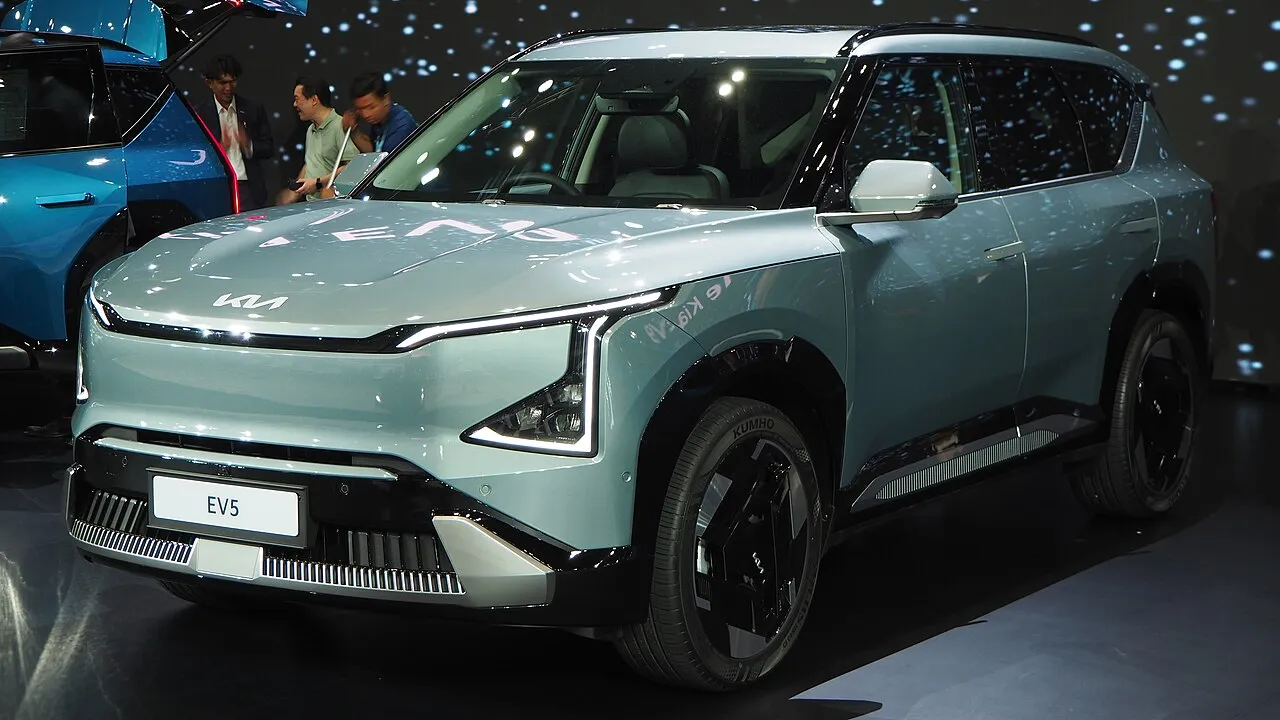
Kia Confirms Rio-Sized Electric Hatchback for 2027
Kia says its first mass-market software-defined vehicle will be a B-segment electric hatchback due by the end of 2027, with a European launch expected in 2028.
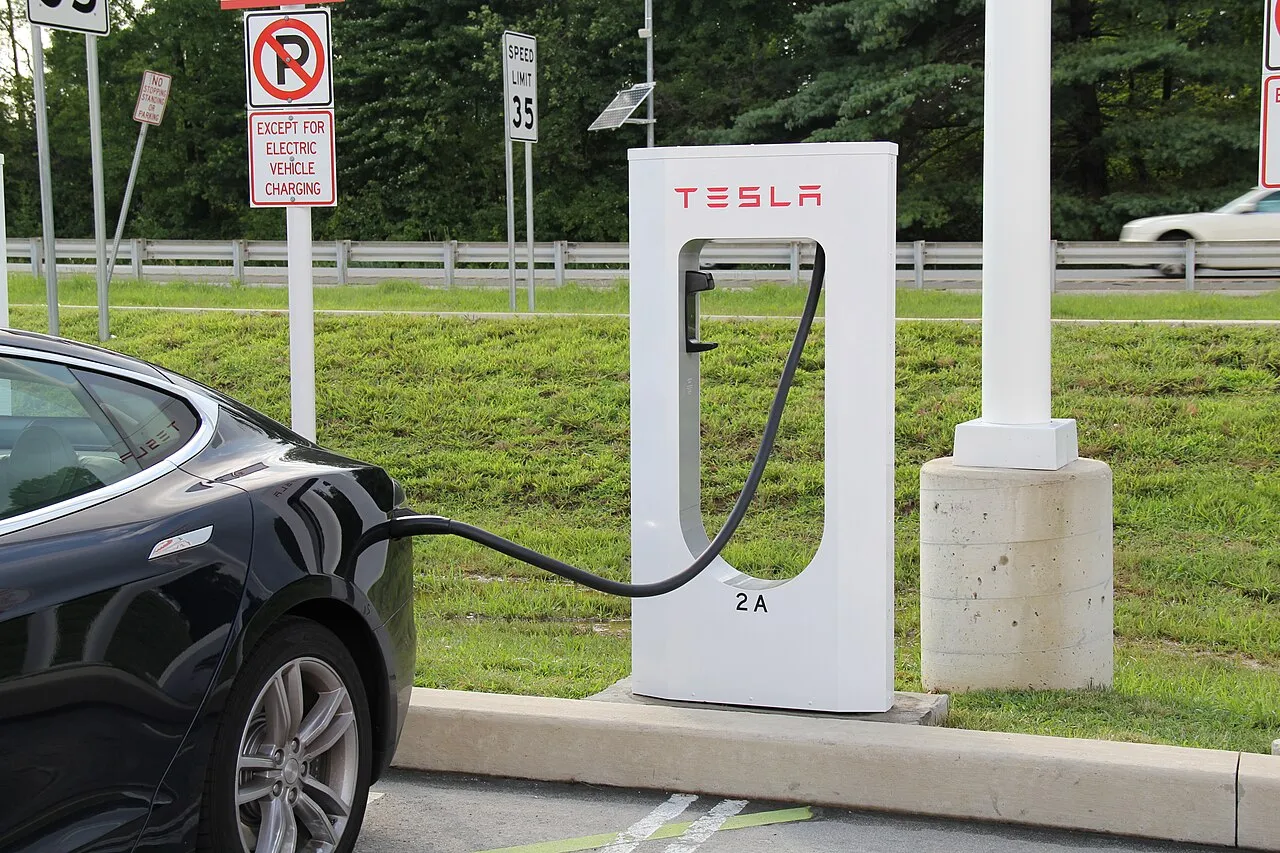
Tesla FSD v15 Reaches Older Model Ys Without Bumper Cameras
Tesla is extending FSD v15 to pre-refresh Model Ys without front bumper cameras, with early reports praising smoother driving but flagging visual lag.
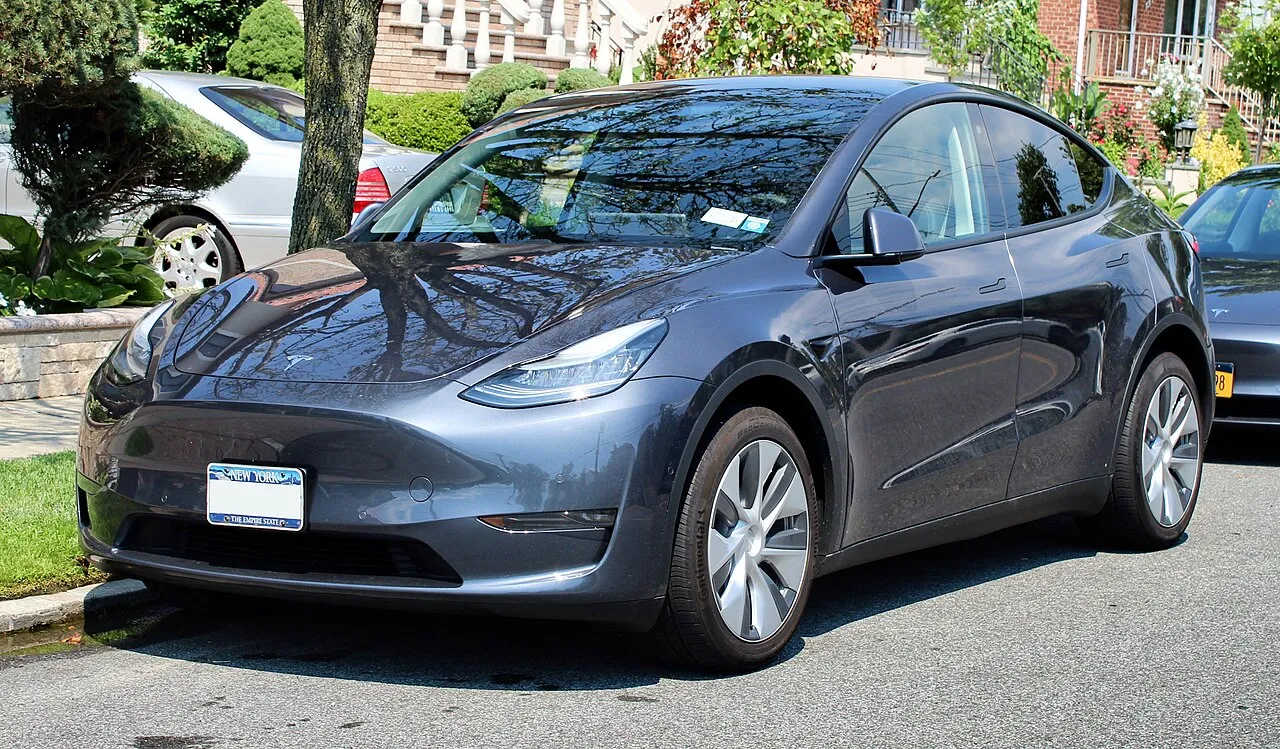
Tesla Model Y Owner Credits Braking With Avoiding Trooper
A Model Y owner says her Tesla braked as a state trooper entered her lane. The video does not establish whether FSD or standard emergency braking acted.