Tesla Grok Handles 119 of 172 Voice Commands in Owner Test
An owner’s test found Grok could handle 119 of 172 Tesla voice commands, but buyers need compatible hardware and some controls still require older commands.
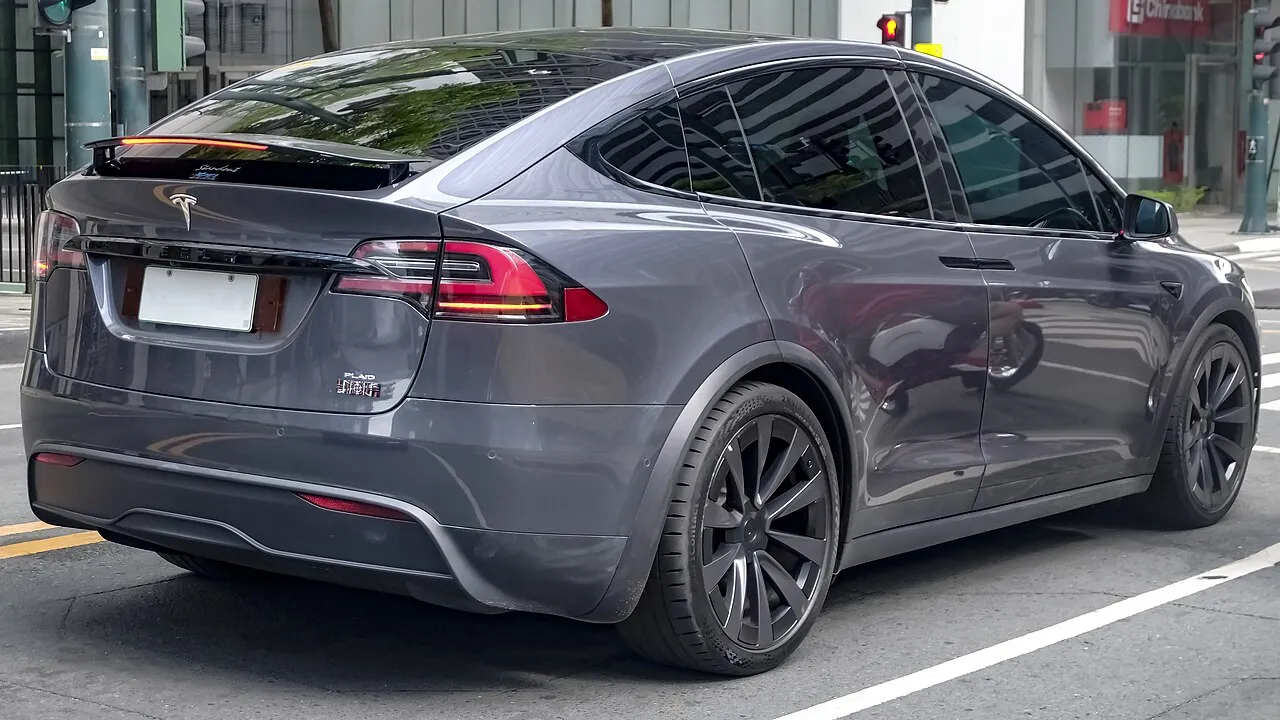
The short answer: According to Not a Tesla App, an owner tested 172 Tesla voice commands and found that Grok handled 119. The other 53 still required Tesla’s older voice commands.
Grok can now handle many everyday controls in compatible Tesla vehicles, but it has not replaced the car’s older voice-command system. According to Not a Tesla App, a Tesla owner tested 172 commands and found that Grok handled 119, including requests involving climate, navigation, music and vehicle settings. The remaining 53 still required the older commands, which drivers access by pressing the microphone button. For buyers, the distinction matters: the voice experience depends on the car’s infotainment hardware and connectivity, and some controls still require a different way of issuing the request.
The tally comes from a test by owner @LifeMiddie reported by Not a Tesla App. It describes which requests worked in that test, rather than a count of every possible way to phrase a command. Even so, it shows how far Grok has moved beyond its original role as a conversational assistant. Drivers can now ask it to perform several vehicle tasks in one sentence, while keeping in mind that its access to the car remains uneven.
Which Teslas can use Grok?
According to Not a Tesla App, Grok first arrived in U.S. Tesla vehicles with software update 2025.26 as a conversational assistant. Tesla added navigation commands in the 2025 Holiday Update, allowing drivers to describe a destination instead of reciting an address. The Spring 2026 Update brought the “Hey Grok” wake word and location-based reminders. A subsequent Summer Update added control over vehicle functions including climate, seat heating and settings. Those additions explain why a driver’s question can now lead to an action in the car, rather than only a spoken answer.
Not a Tesla App reports that Grok is available across North America, Europe, Australia, and most of Asia and the Middle East. Using these commands requires an AMD Ryzen infotainment computer and either Premium Connectivity or a Wi-Fi connection. Grok must also be set to its Assistant personality. A driver can then start a request by saying “Hey Grok.” The outlet says the owner who conducted the command test also found that “Hey Bro” worked as a wake word.
That hardware requirement is relevant to shoppers considering an older Tesla. According to Not a Tesla App, Grok is not currently available on vehicles powered by an Intel Atom infotainment computer. The outlet says software update 2026.38 added Grok files to Intel-based Model 3 and Model Y vehicles, but that finding does not establish when those cars might gain access to the assistant. Checking which computer a particular car has remains important when evaluating whether it can use the functions described here.
Climate requests and cabin controls
Climate control is one of Grok’s broadest areas of vehicle access in the owner’s test. According to Not a Tesla App, drivers can ask it to turn on Dog Mode, Camp Mode or Climate Keeper. They can request front seat heating, change the cabin temperature, adjust fan speed and direct airflow. Grok can aim vents toward a person’s face or spread out the airflow, and it can sync or split the driver and passenger temperature settings. The outlet also reports commands for the heated steering wheel and Bioweapon Defense Mode.
Some requests can be conversational rather than a precise instruction. Not a Tesla App reports that saying “I’m cold” raises the set temperature by 3°F, while “I’m hot” lowers it by 3°F. A driver can also combine tasks: the outlet gives the example of asking Grok to set the climate to 68, lower the fan speed and turn on the seat heaters in a single sentence. That can shorten a routine sequence of cabin adjustments, particularly when the driver already knows the changes they want.
There is a limit to the seat-heating control. According to Not a Tesla App, Grok can control the driver’s and front passenger’s seat heaters, but it cannot adjust rear seat heating. When asked to do so, it says it does not have access to those controls. A buyer expecting voice control for every seat should treat front and rear heating as separate capabilities.
Finding destinations and remembering to charge
Grok can work with a destination described in ordinary terms. According to Not a Tesla App, a driver can ask for nearby Superchargers, say they are hungry or tell the car to go home. The assistant can also look for a named business along an existing route. Beyond choosing a destination, the outlet reports that Grok can turn the Avoid Tolls, Avoid Ferries and HOV lane settings on or off, and cancel navigation. These are distinct tasks: finding a place changes where the driver is headed, while route settings change how the navigation system plans the trip.
Location-based reminders connect a spoken request to a later arrival. Not a Tesla App gives the example of asking Grok for a reminder to charge when the driver gets home. According to the outlet, the alert arrives when the car is within about 1,600 feet of the destination. Reminders can be one-time or recurring, and drivers can ask to see their reminders and delete them. That makes charging a practical use for the feature: a driver can set the reminder during a trip and receive it near the place where they intended to plug in.
Music, calls and finding controls
According to Not a Tesla App, Grok can place a call when asked to call a contact or phone number. For audio, it can play a requested song, artist or playlist, and it can respond to a less exact request such as a popular song from a particular year. The outlet says it can switch among Spotify, TuneIn, Tidal, Bluetooth, USB and radio. Playback control has a specific gap: Grok cannot pause music, although it can resume music that has already been paused.
Grok can also open the Browser, Energy app, Calendar, Netflix, YouTube, Tesla Arcade and Tesla Theater, according to Not a Tesla App. The outlet reports that it can load a website and read an article aloud. Within vehicle settings, a driver can ask Grok to show a feature such as Steering Weight, and it will open the relevant menu. Opening a menu is useful when the driver cannot find a setting, but it does not necessarily mean Grok can make every change on that screen.
Other commands reach familiar vehicle functions. Not a Tesla App reports that Grok can open the glovebox and charge port door, fold the mirrors, activate Sentry Mode, save Dashcam clips, control dome lights and show the backup camera. It can turn the wipers off or set them to automatic operation. Drivers can also ask it for tire pressures or the odometer reading, or have it open the owner’s manual or software update release notes. Together, those examples show why the 119 successful requests cover more than navigation and entertainment.
What still needs another control?
The older voice-command system and touchscreen remain relevant. According to Not a Tesla App, Grok cannot lock or unlock the doors, open the trunk or frunk, or change the air suspension’s ride height. It also cannot change acceleration mode, enable Car Wash Mode, adjust the mirrors or steering wheel, change display brightness, or mute navigation guidance. For some requests, including display brightness, Grok can open the appropriate screen so the driver can finish the change. That is a different result from completing the command by voice.
More functions may come later, but the reported test does not count them as available. Not a Tesla App says Tesla’s owner’s manual includes examples of hands-free texting through Grok, while the feature has yet to arrive. The outlet also reports that Elon Musk said in June that drivers would eventually be able to use Grok for FSD requests, such as asking the car to park near a destination’s entrance. That control has not arrived either. For now, the owner’s 119-of-172 result is a useful snapshot of Grok’s expanding role, with hardware eligibility and the remaining command gaps still central to what a Tesla driver can actually do today.
Frequently asked questions
How many Tesla voice commands did Grok handle in the owner test?
According to Not a Tesla App, Grok handled 119 of 172 commands tested by owner @LifeMiddie. The other 53 required Tesla’s older voice commands.
What does a Tesla need to use these Grok commands?
Not a Tesla App says the vehicle needs an AMD Ryzen infotainment computer, Premium Connectivity or a Wi-Fi connection, and Grok set to the Assistant personality.
Can Grok control rear seat heaters or pause music?
No. According to Not a Tesla App, Grok can control front seat heaters but not rear seat heaters. It can resume paused music but cannot pause it.
Can Grok remind a driver to charge at home?
Yes. According to Not a Tesla App, a location-based reminder can alert the driver within about 1,600 feet of the destination.
Can Grok control FSD or send texts yet?
Not a Tesla App reports that Grok controls for FSD and hands-free texting have not arrived yet.
Related stories
Tesla Holiday Update Could Bring Grok and More Features
Tesla’s holiday software update is expected within weeks, with Grok changes, Automations and navigation options among the features identified in code or speculation.
Tesla FSD V15 Adds Full-Screen Map and Calm Mode
Tesla FSD V15 adds a full-screen navigation map and a pared-back Calm Mode, giving drivers alternatives to the software’s detailed Reality View display.
Grok Files Reach Intel Tesla Builds, but Access Is Unclear
Tesla's 2026.38 update adds Grok support files to Intel Model 3 and Model Y builds. An owner enabled the chatbot, but Tesla has not announced wider access.