Tesla FSD V15 Adds Parking Choices and Garage Entry
Tesla FSD V15 can distinguish street parking from parking lots, show its intended space and enter a home garage, according to Not a Tesla App.
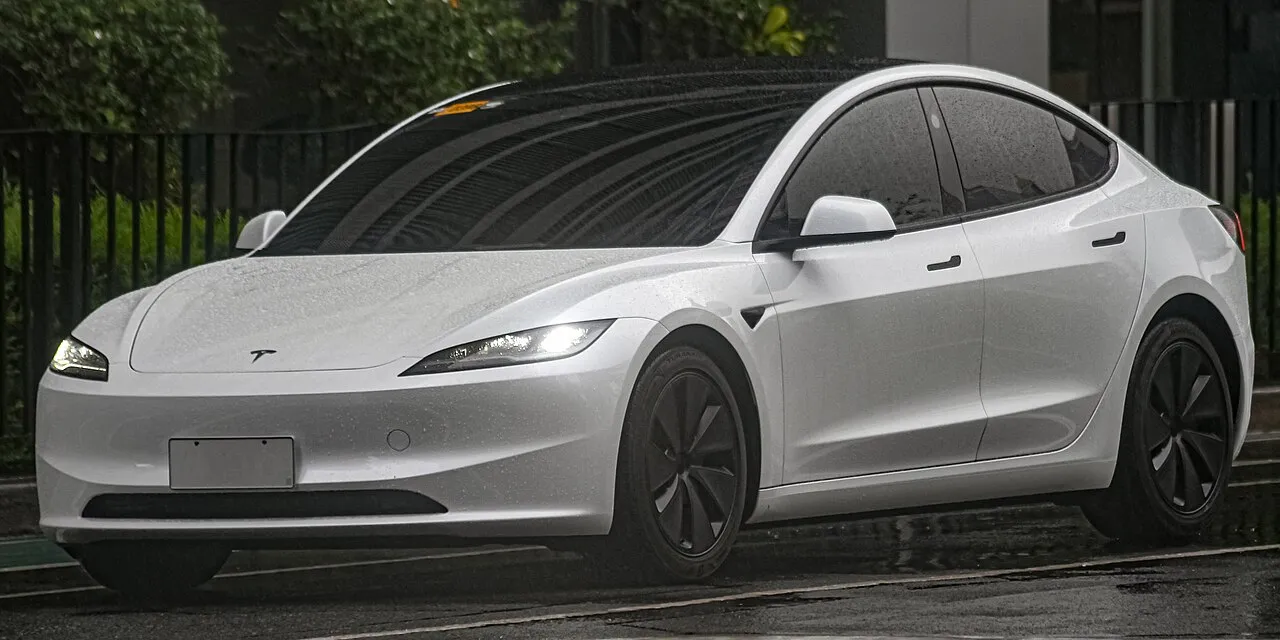
The short answer: Tesla FSD V15 adds destination parking choices, previews the space it plans to use, and can pull into a home garage. Drivers can select a specific open space when they enter a lot manually, but the report says they cannot yet choose an exact space while FSD is driving.
Tesla’s FSD V15 adds several ways to direct and follow the car as it parks, including choosing between street parking and parking lots, viewing the space it is targeting, and having it pull into a home garage. The changes address an area that has been a weak point for the driver-assistance system, according to Not a Tesla App. For drivers, the new options offer more visibility into where the car intends to park and some control over that choice, though the report says selecting an exact space while FSD is driving is not yet available.
The update matters because parking is part of the trip’s final stretch, where a driver may need to decide whether to use a lot, look for street parking, or enter a garage. V15 gives users a way to choose the type of parking near a destination and shows the car’s intended space before it gets there. The report describes these as features of FSD V15 and cites examples from early recipients; it does not establish how the features perform across different locations or conditions.
Choosing a lot or street parking
As the Tesla approaches a destination, FSD V15 highlights parking options shown on the map. Not a Tesla App says parking lots appear shaded in blue, while street parking has a separate label. The driver can tap the preferred option. If more than one lot is available near the destination, the interface displays each one for selection.
The map also outlines the area FSD considers to be a parking lot, and the outline appears in satellite view, according to the outlet. That gives the driver a visual indication of the area the system has identified. The choice is between parking areas or street parking; the report does not describe a way to select a particular space within the lot while the car is driving itself.
Once a lot or street parking is selected, FSD V15 looks for an open space and parks there. That process leaves the system to choose among available spaces. Not a Tesla App reports that the driver cannot yet customize the precise space or how the car parks in a lot when FSD is navigating there autonomously.
A preview of the intended space
Reality View places a pointer on the spot the car is heading toward, according to Not a Tesla App. The visual preview lets the driver see where the system plans to park before the car reaches the space. When the car is backing into a spot, Reality View switches to a top-down view, the outlet reports.
The system may sometimes choose a different space on its own, according to the report. That means the displayed target can help explain the car’s current plan, while the selected or initially targeted space may not always remain the final one. Not a Tesla App says drivers cannot presently choose the exact space in a lot while FSD is already driving.
There is a separate way to nominate a particular space. When the driver is operating the car manually and enters a parking lot, Reality View can put arrows over open spots. The driver can tap one, after which FSD takes over and parks in that space. Not a Tesla App says this selection method appears to work only when the driver is driving manually.
The distinction is practical: the report describes broad destination selection during FSD driving, and individual-space selection when the driver enters the lot. A driver who wants one specific open spot can use the latter sequence, but the outlet does not report that the same control is available while FSD is choosing a route into the lot by itself.
Garage entry and display options
FSD V15 can also pull into a home garage, a behavior that Not a Tesla App says was not possible before. The outlet cites an early recipient who said the car entered his garage with FSD for the first time. Reality View recreated the garage interior, including items on the floor, according to that account.
The report presents garage entry as another extension of the parking behavior: the destination can be an enclosed home space as well as a lot or a street space. The example is an early recipient’s experience, rather than a broad performance finding. Not a Tesla App does not give a success rate, identify a range of garage layouts that work, or say that every garage entry will proceed the same way.
Drivers who do not want the parking scene in Reality View can instead switch to a full-screen map or Calm Mode, according to the outlet. These options change how the parking information is displayed. They do not add the ability to select a specific space while the car is driving, which the report says remains unavailable.
What comes next
Not a Tesla App reports that Tesla is working on lower latency for Reality View and other FSD V15 fixes. The outlet also says FSD V15 should reach more owners with the Holiday Update the following month. That is a reported expectation for broader availability, not a confirmed release date or a statement that every owner will receive the update at once.
For now, the reported parking changes give drivers a clearer view of the system’s intended destination and a choice among parking types. They also create a limited path to selecting an exact space: choose one while driving manually into a lot, then let FSD park. The outlet identifies selection of a precise space while FSD is already driving as a possible future addition, but does not report that Tesla has announced a release timeline for it.
The examples described by Not a Tesla App also include street parking, multiple parking lots, reversing into spaces, and entering a garage. Taken together, they show that V15’s parking updates cover both the decision about where to park and the visual guidance shown during the maneuver. The report’s accounts do not establish that each feature is available in every location or that the car will always select the driver’s preferred space.
For owners considering the update, the central change is more control over the parking destination and more information about the car’s current target. The available controls still depend on how the car reaches the lot: a specific-space tap is described for manual driving, while FSD navigation allows a choice of parking area and lets the system find an open spot. Not a Tesla App says expanded access is expected with the Holiday Update next month, alongside further software fixes.
Frequently asked questions
Can a driver choose a specific parking space while FSD V15 is driving?
Not according to Not a Tesla App. The report says FSD selects an open space, but does not let the driver choose the exact one while it is driving.
How can a driver select an exact space?
When driving manually into a lot, Reality View can show arrows over open spaces. The driver can tap one and then have FSD park there.
Can FSD V15 enter a home garage?
Yes. Not a Tesla App reports that V15 can pull into a home garage and that Reality View can show the garage interior.
What parking choices does FSD V15 show near a destination?
It can highlight parking lots and street parking on the map. If more than one lot is available, the driver can choose among them.
Related stories
Kia Confirms Rio-Sized Electric Hatchback for 2027
Kia says its first mass-market software-defined vehicle will be a B-segment electric hatchback due by the end of 2027, with a European launch expected in 2028.
Tesla FSD v15 Reaches Older Model Ys Without Bumper Cameras
Tesla is extending FSD v15 to pre-refresh Model Ys without front bumper cameras, with early reports praising smoother driving but flagging visual lag.
Tesla Model Y Owner Credits Braking With Avoiding Trooper
A Model Y owner says her Tesla braked as a state trooper entered her lane. The video does not establish whether FSD or standard emergency braking acted.