Driver Assistance vs. Automated Driving: Who Is Responsible?
Learn how cruise control, lane support and emergency braking differ from automated driving, and what drivers must still monitor and do.

The short answer: Most features marketed as driver assistance help with parts of driving while the driver remains responsible for watching the road and controlling the vehicle. Automated driving means the system performs the driving task within defined conditions, but its capabilities and the person’s responsibilities depend on the system and where it can operate.
Most features in today’s vehicles assist the driver with individual parts of driving; they do not take over the whole task. Adaptive cruise control can manage speed and following distance, while lane centering can help steer. In these systems, the driver must keep watching the road, remain ready to steer or brake, and follow the vehicle maker’s instructions. Automated driving is a different category: the system performs the driving task within a defined operating area or set of conditions, and the required human role depends on its design.
The distinction matters because a feature’s name, steering input, or ability to work for a stretch of road does not establish that the vehicle is driving itself. Drivers need to understand what each function controls, where it works, what it cannot detect, and whether they must intervene immediately or only when the system requests a handoff.
Assistance usually handles a part of driving
Driving involves several tasks at once: steering, accelerating, braking, monitoring the surroundings, choosing a path, and responding to changing conditions. Many assistance functions take on only one or a few of these tasks. The driver remains responsible for the overall trip and must supervise the vehicle continuously.
Conventional cruise control holds a set speed when conditions allow. Adaptive cruise control adds the ability to adjust speed to maintain a selected gap behind traffic. It may slow the vehicle when traffic ahead slows, but its ability to stop, resume, or respond to a vehicle cutting in depends on the system. It does not decide whether a lane change is safe or choose a route through traffic.
Lane departure warning alerts a driver when the vehicle appears to drift out of its lane. Lane keeping assistance may apply steering or braking to help resist that drift. Lane centering can make ongoing steering adjustments to help keep the vehicle near the middle of a lane. These functions can reduce the amount of steering work, but they may have trouble recognizing lane markings or may not operate on every road. The driver still needs to steer and respond to curves, obstacles, lane changes, and road conditions.
When adaptive cruise control and lane centering operate together, the vehicle may manage speed and steering at the same time. That combination can feel more capable than either feature alone. It is still assistance if the driver must supervise continuously and remains responsible for taking over whenever needed. Two active controls do not, by themselves, turn a supervised system into automated driving.
Warnings and emergency interventions have narrower jobs
Blind spot monitoring can alert the driver to a vehicle detected beside or behind the car. A warning does not confirm that a lane is clear: the system may not detect every road user, and the driver must still check before changing lanes. Rear cross traffic alerts serve a similar warning role when a vehicle approaches from the side as the driver backs out.
Automatic emergency braking can apply the brakes when the system detects a potential collision and judges that intervention is needed. Forward collision warnings can alert the driver to a risk without braking. Depending on the vehicle and circumstances, a system may fail to detect a hazard, act too late, or intervene when the driver would choose a different response. It is a backup layer, not a replacement for attention, safe speed, or braking when needed.
Parking assistance also covers different capabilities. A camera may show the area around the vehicle; sensors may warn about nearby objects; and some systems can steer or move the vehicle during a parking maneuver. The name alone does not tell the driver which controls are automated. Instructions may require the driver to supervise the maneuver, operate the accelerator or brake, or be ready to stop the vehicle.
Automation depends on the system’s operating conditions
Automated driving is commonly described through levels that distinguish how much of the driving task the system performs and what role a human must play. At Levels 0 through 2, the human driver monitors the road and remains responsible for the driving task, even when the vehicle can control steering and speed together. Many familiar assistance features fit within this broad range.
At Level 3, an automated driving system performs the driving task while it is operating within its specified conditions. A human fallback-ready user may need to respond when the system requests a takeover. That role differs from continuously supervising an assistance feature, but it still requires understanding the conditions and being able to handle a handoff as instructed.
At Level 4, the system can perform the driving task without expecting a human to take over while it operates within its defined operating domain. That domain can limit where, when, or under what conditions the system works. Level 5 describes automation intended to perform the driving task across the conditions a human driver could handle. The level labels describe system roles; they do not mean that every vehicle, trip, or road is covered.
These levels are useful for explaining responsibility, but a label alone does not tell a driver whether a particular feature is available on a given road or what the vehicle expects them to do. The operating domain, system status, and instructions for that vehicle matter. A system that works only on certain roads or in certain conditions must not be assumed to operate outside them.
Names and hands-off capability can mislead
Automakers use different names for features, and a name may emphasize convenience or advanced technology without explaining the driver’s role. A function that steers, changes speed, or allows brief hands-off use may still require constant supervision. The important questions are what the system controls, what it detects, where it works, and who is responsible while it is active.
Warnings about keeping hands on the wheel or remaining attentive are meaningful limits, not optional suggestions. Some vehicles check whether the driver is paying attention or applying steering input. Those checks help enforce supervision, but they do not make the system responsible for the drive. Looking away because the vehicle appears to be tracking the road can leave the driver unable to respond in time.
Likewise, a system’s ability to perform a maneuver in one situation does not show that it can handle every similar situation. Road markings can fade or disappear; weather can affect visibility; construction can change lane layouts; and other drivers can behave unpredictably. A driver should treat system capabilities as conditional and be ready to take control when conditions exceed them.
How to judge a feature before using it
Start with the vehicle’s owner’s manual and the instructions shown when the feature is enabled. Confirm whether it controls speed, braking, steering, or some combination, and whether it requires continuous driver supervision. Check the stated operating conditions, how the vehicle signals that the feature is active, and what it does when it reaches a limit.
Pay attention to what the system asks of the driver during a warning or handoff. A warning that calls for immediate braking is different from a notification that asks the driver to resume steering. If the system disengages or cannot recognize a situation, the driver may need to control the vehicle without delay. Knowing the expected response before using a feature makes its limits easier to recognize.
Finally, treat assistance as support for attentive driving. Keep a view of the road, maintain a safe following distance, and be prepared to steer or brake as conditions change. The practical dividing line is responsibility: if the driver must monitor the roadway and remain ready to manage the vehicle, the feature is assistance, however capable it may feel. Automated driving assigns the driving task to the system only within the conditions for which it is designed.
Frequently asked questions
Does lane centering mean a car is driving itself?
No. Lane centering helps steer, but when the system requires driver supervision, the driver must watch the road and remain ready to take control.
What is the difference between adaptive cruise control and automated driving?
Adaptive cruise control adjusts speed and following distance. Automated driving means the system performs the driving task within defined conditions, with a human role determined by the system’s design.
Can automatic emergency braking replace a driver’s braking?
No. It is a collision prevention or mitigation layer that may not detect or respond to every hazard. The driver remains responsible for attention and braking when needed.
What does a Level 3 automated driving system expect from a person?
While it operates within its specified conditions, the system performs the driving task. A human fallback-ready user may need to respond when the system requests a takeover.
Related stories
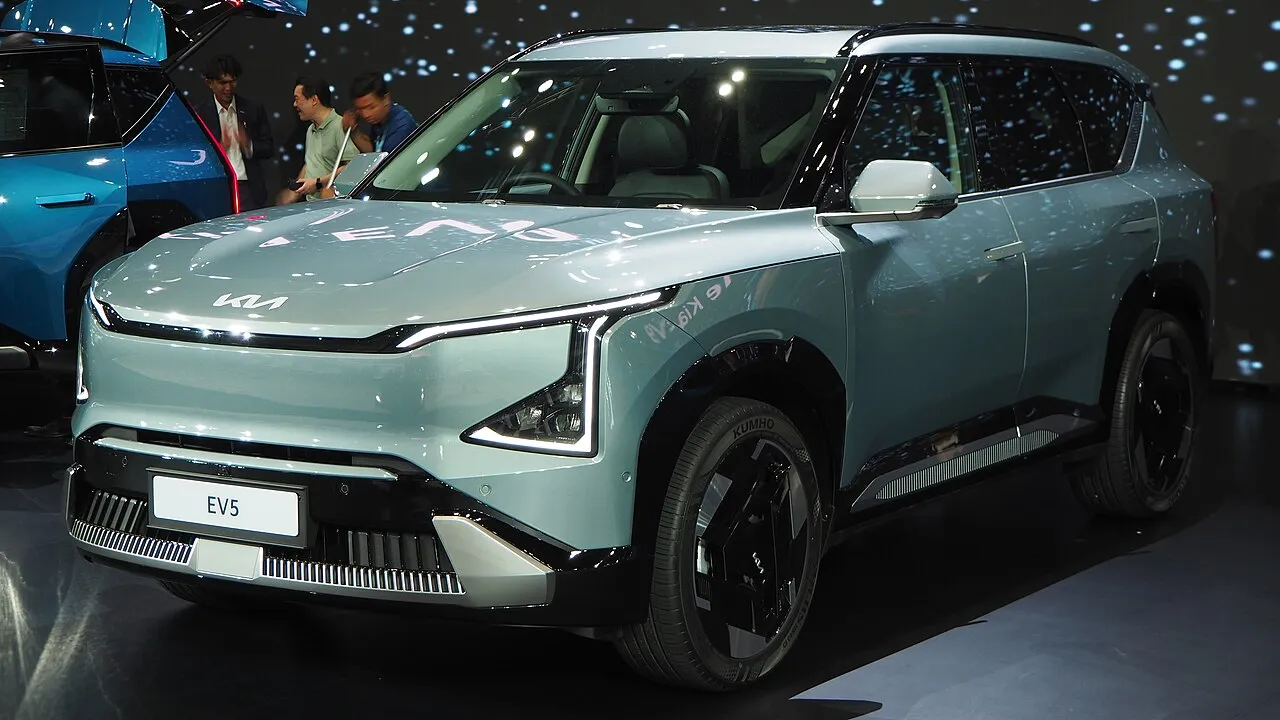
Kia Confirms Rio-Sized Electric Hatchback for 2027
Kia says its first mass-market software-defined vehicle will be a B-segment electric hatchback due by the end of 2027, with a European launch expected in 2028.
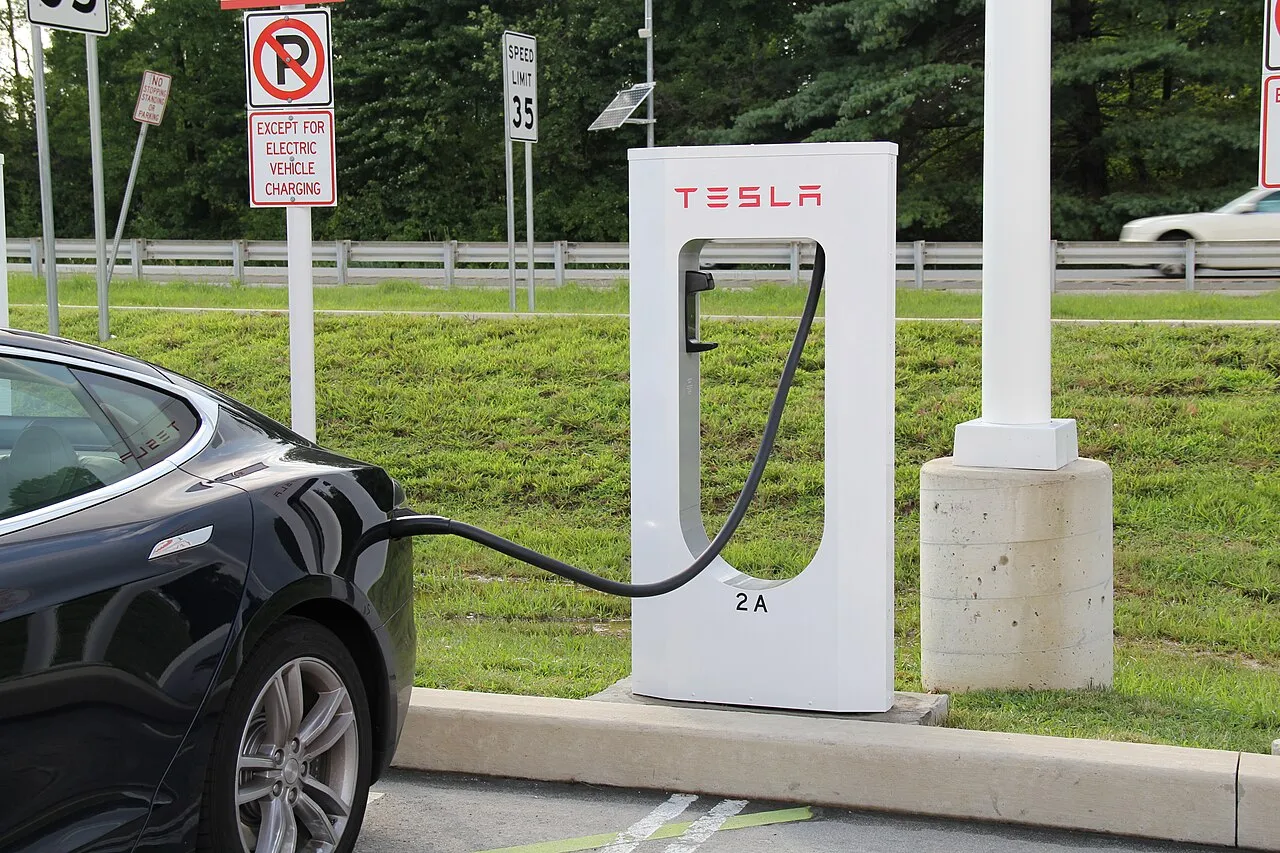
Tesla FSD v15 Reaches Older Model Ys Without Bumper Cameras
Tesla is extending FSD v15 to pre-refresh Model Ys without front bumper cameras, with early reports praising smoother driving but flagging visual lag.
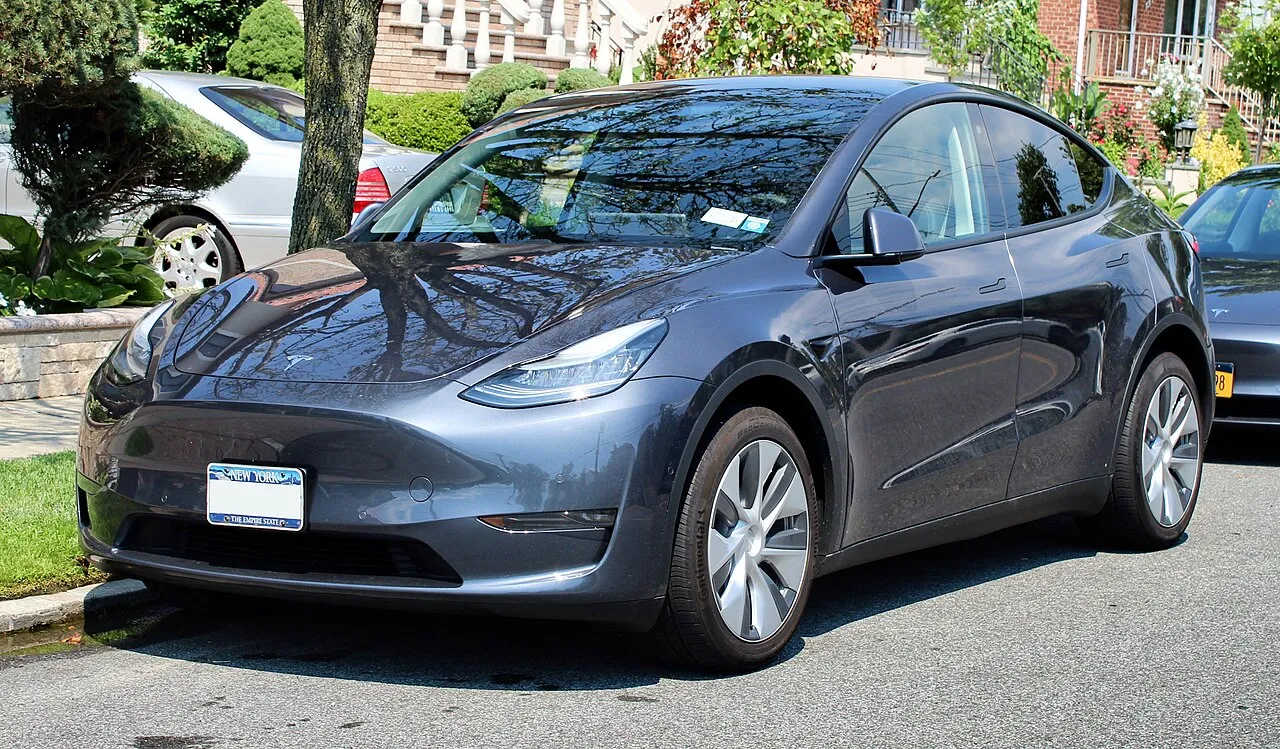
Tesla Model Y Owner Credits Braking With Avoiding Trooper
A Model Y owner says her Tesla braked as a state trooper entered her lane. The video does not establish whether FSD or standard emergency braking acted.